



![Installing the Flat Port for OM System TG-7, TG-6 Underwater Housing [VIDEO]](http://www.ikelite.com/cdn/shop/articles/DUPE_TG-7_Dome_to_Flat_Port_Blog_Cover.jpg?v=1792711999&width=1500)
Featuring Steve Johnson
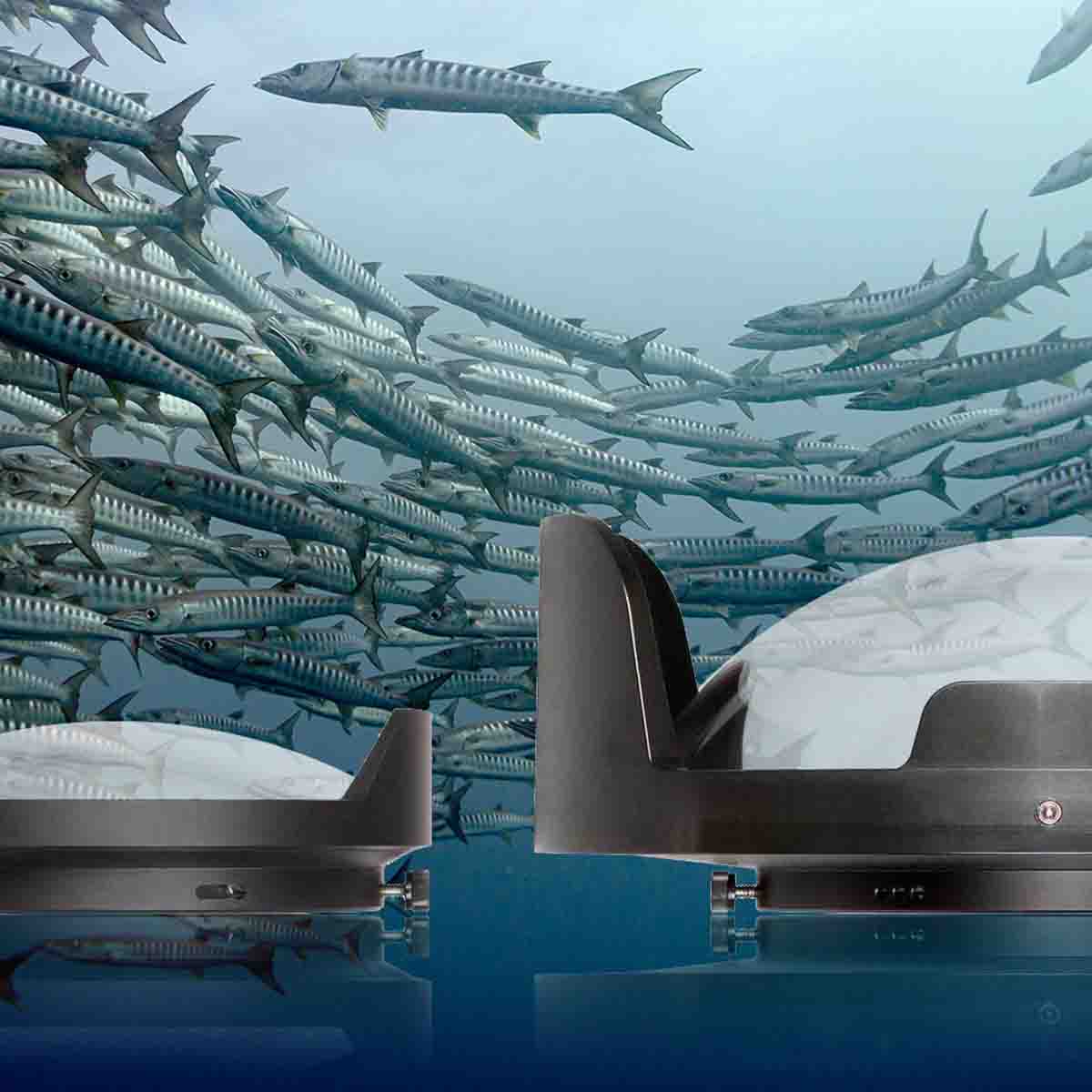
A dry Dome Port is a popular accessory that makes it easier to shoot split shots (half-in, half out of the water) and provides a wider field of view underwater.
Once installed, it is NOT necessary to change to a flat port to shoot macro underwater. The Ikelite dome port can be used with or without the optional FCON-T02 conversion lens.
If you choose to switch from a Dome to a Flat Port, it only takes a few minutes and a simple rubber strap wrench (not included). Steve Johnson shows you how to do this in the video below, or you can scroll down to read the transcript.
Important Notices
- The Olympus TG-6 and OM System TG-7 cameras are independently waterproof. However, it is recommended to take the housing underwater without a camera installed the first time after changing between ports.
- We discourage repeatedly switching back and forth between a dome and flat port. It is not recommended to perform this operation at the dive site or in-between dives.
- For a dome that can easily be taken on and off underwater, consider the WD-3 Wide Angle Dome (not compatible with FCON-T02 lens).
Removing the Dome Port
First, remove the dome shade by unscrewing the set screws using an allen (hex) key. Then, using a strap wrench, remove the dome port. You may get the best leverage doing this on your lap. Once the strap wrench loosens it enough, you can use your hands to unscrew and detach the dome port from the front of the housing.
Attach the Flat Port
Before attaching the flat port, ensure the o-ring and sealing surfaces are clean and free of debris. Then apply a small amount of Ikelite lubricant to the o-ring.
Screw the flat port onto the front of the housing tightly using your hand, you can use the strap wrench to do an extra 1/4 or 1/2 turn to ensure the port is securely attached.
It is recommended to take the housing underwater without a camera installed the first time after changing between ports.
If you have any questions about this process, how to make the most of your TG-7 or TG-6 system, or just want to share your latest favorite underwater photo, contact us.
Products Shown
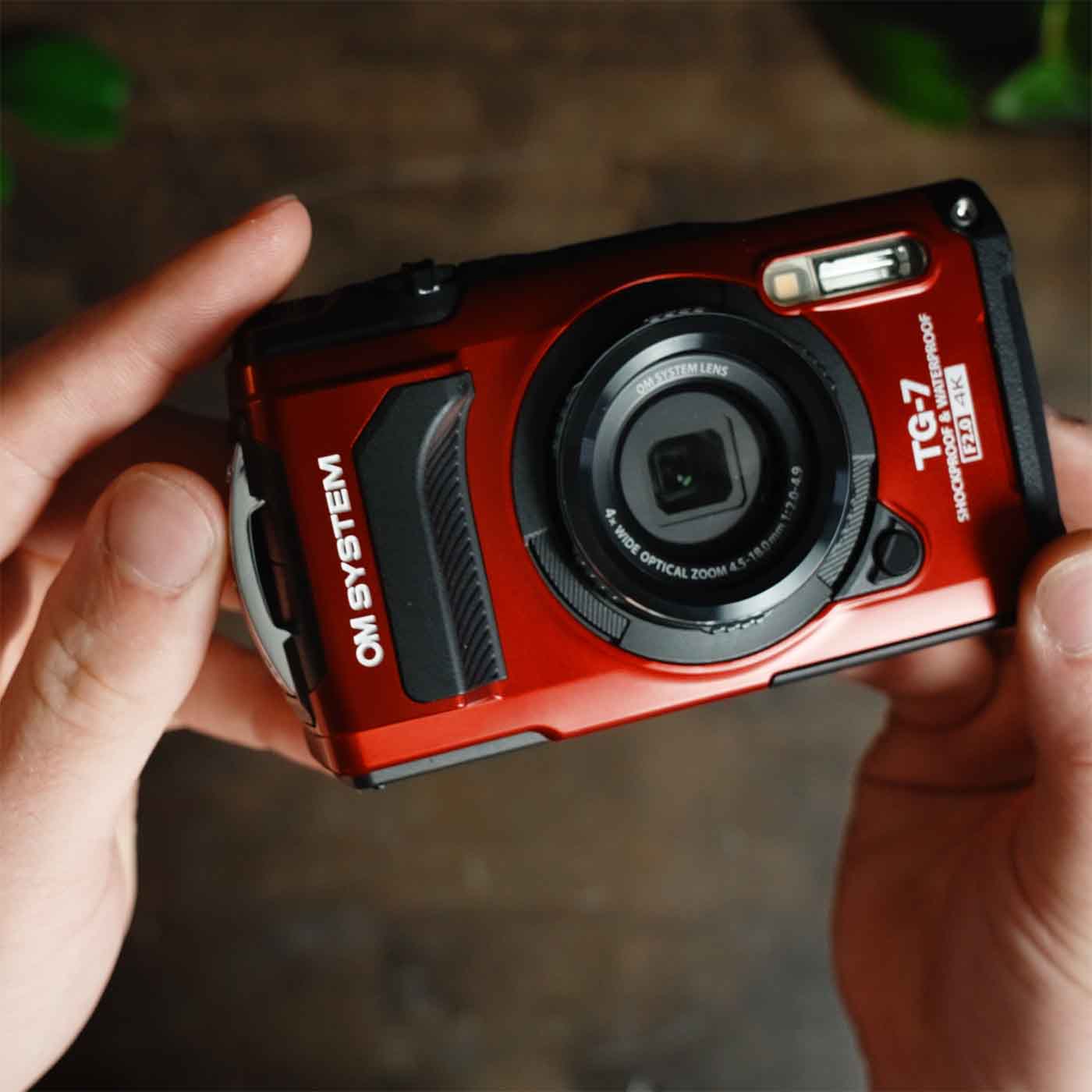
- Flat Port for OM System TG-7, Olympus TG-6, TG-5 Underwater Housing # 64360
-
Dome Port for Olympus FCON-T02 Fisheye for OM System TG-7, Olympus TG-6 # 64361
- Strap Wrench to Remove Ports # 0945.01
Additional Viewing
OM TG-7 Underwater Macro Setup and Review [VIDEO]
OM TG-7 BEST Wide Angle Option Underwater // FCON-T02 Fisheye Lens [VIDEO]
Wide Angle Fisheye to Macro on the Same Dive with the OM TG-7, Olympus TG-6
OM TG-7 Underwater Housing Deluxe Kit Assembly [VIDEO]
TG-7 Microscope Mode Settings for Underwater Photography [VIDEO]
One-Touch White Balance with OM System TG-7 and Olympus TG-6, TG-5 [VIDEO]

Steve Johnson has been a team member with Ikelite for 28 years. In that time he's worked within almost every aspect of the company but has mainly focused on the service department. Outside of work you can catch Steve scuba diving, snorkeling, spending time with family and his chocolate lab rescue Maplesugar.
![Canon RF 100mm Macro Focus Gear Installation // 200DL Underwater Housing [VIDEO]](http://www.ikelite.com/cdn/shop/articles/Canon_100mm_Macro_DL_Assembly_Blog_Cover.jpg?v=1792081629&width=2000)
