
![Installing the Sun Shade LCD Hood for Nikon ZR // 200DL Underwater Housing [VIDEO]](http://www.ikelite.com/cdn/shop/articles/nikon-zr-sun-hood-video-blog-cover_6b76d05d-5716-43c6-a0ba-1df0957e5947.jpg?v=1774453747&width=1500)
Featuring Logan Wood
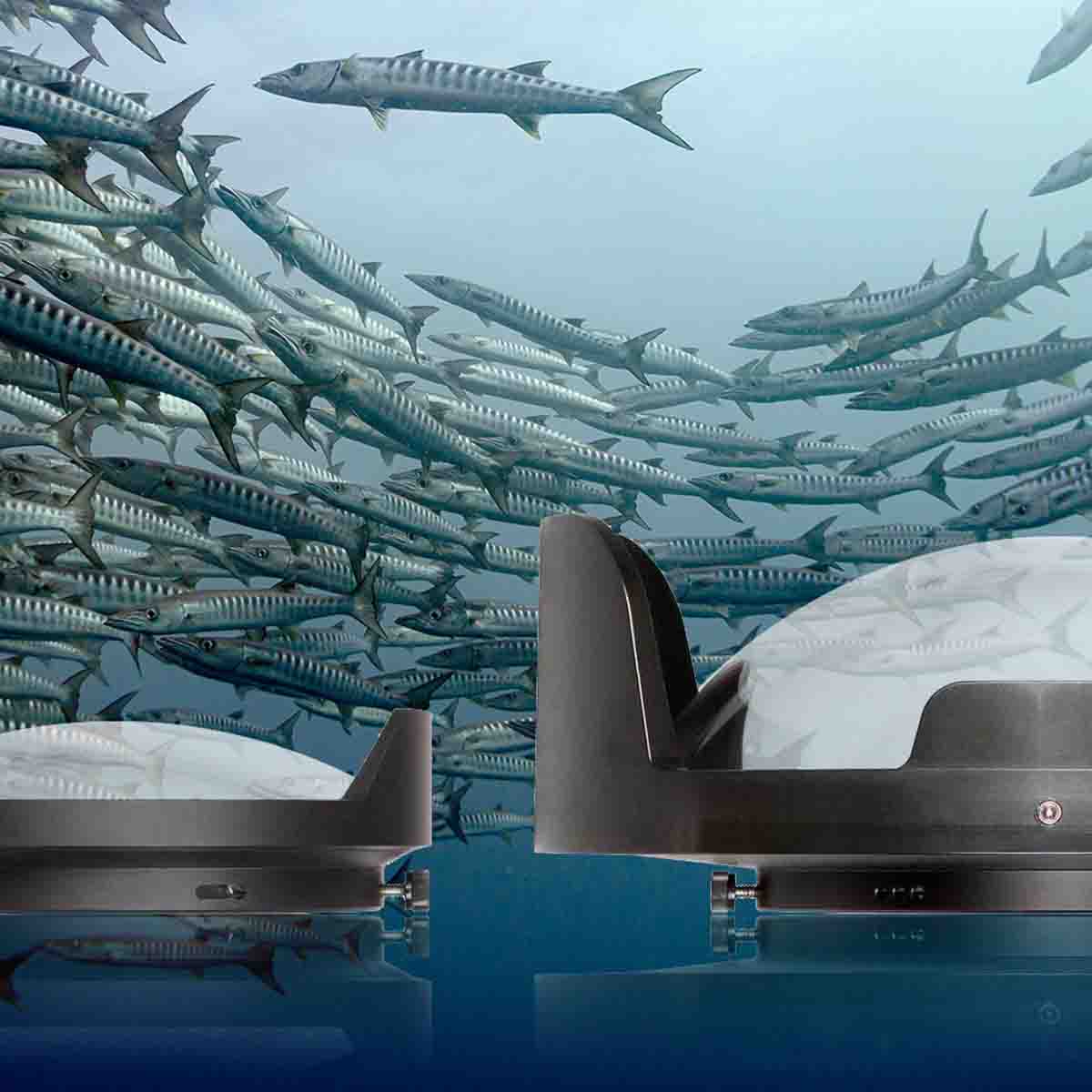
Bright, sunny conditions are perfect for underwater videography- but can make it difficult to see even the Nikon ZR's huge 4" rear LCD display. This lightweight, custom rubber shade cuts down on glare while providing full access to the camera's joystick control.
If you'd like to see the transcript for this video, scroll down.
Equipment Used
- Sun Hood LCD Shade for Nikon ZR 200DL Underwater Housing # 68930
- 200DL Underwater Housing for Nikon ZR 6K Cinema Camera # 71077
If you look at the back of the underwater housing for the Nikon ZR, you'll find two low-profile black rails. Those are to attach an optional sun hood for when you're shooting in bright sunny conditions on the Nikon ZR's 4-inch LCD.
Attaching it is simple. Place the top lip of the hood over the top rail and secure the bottom lip onto the bottom rail. The included lanyard attaches to the housing's lid snap hook without tools, allowing you to take the shade on and off underwater as needed. You can still access all the buttons on the back while blocking the glare from the sun onto the screen.
Additional Viewing
Nikon ZR Underwater Review // 200DL Underwater Housing [VIDEO]
Nikon ZR Underwater Photo and Video in the PNW // 200DL Underwater Housing [VIDEO]
Nikon ZR Camera Settings for Underwater Video [VIDEO]
Nikon ZR Setting It Up // 200DL Underwater Housing Assembly [VIDEO]
R3D Underwater Color Grading in DaVinci Resolve // Nikon ZR [VIDEO]
Logan Wood is a published photographer, cinematographer, and Producer at Ikelite. Stemming from a great appreciation for the outdoors and living an active lifestyle, his work focuses on capturing and sharing the natural world through the latest technologies. When not in the studio, Logan can be found cruising on his bike, going to concerts, and researching where to go next. You can see more of his work at loganwood.net and on Instagram @jlowood