



Featuring John Brigham
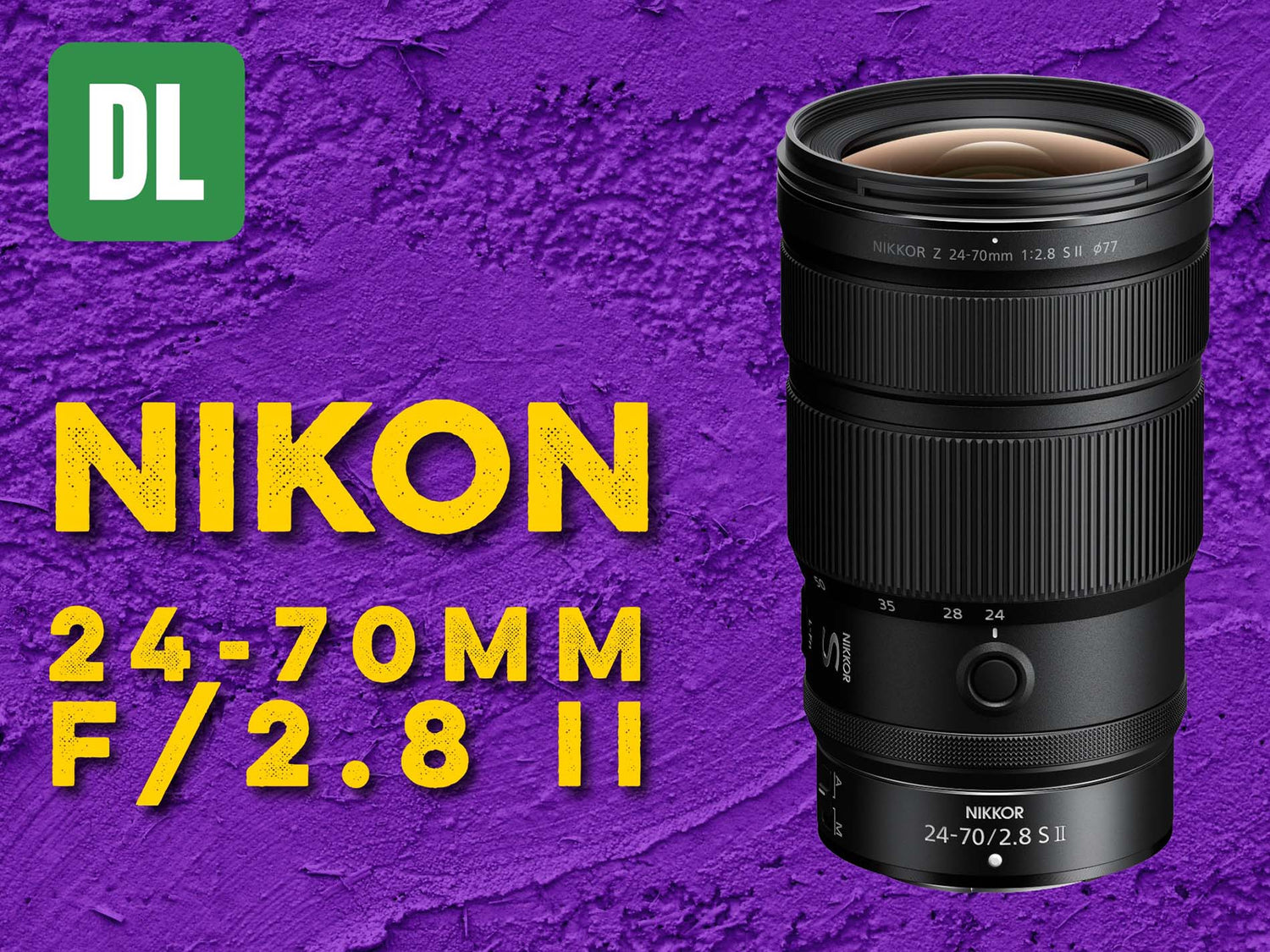
The Nikon NIKKOR Z 24-70mm f/2.8 II S paired with the Ikelite 200DL Underwater housing takes the topside workhouse zoom, underwater. Featuring a bright F/2.8 aperture, this lens is ready for a variety of lighting conditions underwater and even more control over depth of field.
Note: This Zoom Gear is NOT compatible with the Nikon NIKKOR Z 24-70mm f/2.8 S (Mark I) lens. If you'd like to shoot the Mark I lens, consult the Nikon Z-Mount Port Chart for details.
If you'd like to read the article version of this video, scroll down.
Equipment Used
- Zoom / Focus Gear # 5509.57
- DL 8 inch Dome Port # 75340
- DL 28mm Port Extension # 75028
- DL 50mm Port Extension # 75050
- Optional accessory: Trim Weight System # 47140
Installing the Zoom Gear on the Lens
The first thing we're going to do is install the clamp onto the lens. We'll put that on from the back and walk it up the lens until it meets the forward-most edge of the zoom section of the lens.
Next we're going to take the gear sleeve, make sure that the gear teeth are facing away from the front of the lens (towards the camera body), and slide that on to the back of the lens until it meets the clamp.
Before attaching the lens to the camera, check to make sure that the switches on your lens are in your desired position. Set the switches to “A” and “FULL”.
Attaching the Lens to the Camera & Housing
For this lens installation we will not be using the zoom gear retainer on the housing due to the large diameter of this lens, so remove that from your housing and keep that with your spare parts.
Then remove the body cap from the camera. Next remove the back cap from the lens. Bayonet the lens onto the camera body through the housing. Now take the gear sleeve and push it down until you feel it mate with the driving gear of the zoom assembly.
Now that the gear sleeve is engaged with the drive gear for zooming the lens, take the clamp and slide it down so that it mates up against the sleeve. This helps prevent the sleeve from moving forward during operation and becoming misaligned with the drive gear.
Then, using the zoom gear knob on the side of the housing, double check for zoom functionality throughout the entire range.

Gently but firmly press the zoom gear down into the housing so that it mates with the housing's internal drive gear, then push the clamp down (as pictured) so that it keeps the zoom gear in place.
Extensions & Dome Port
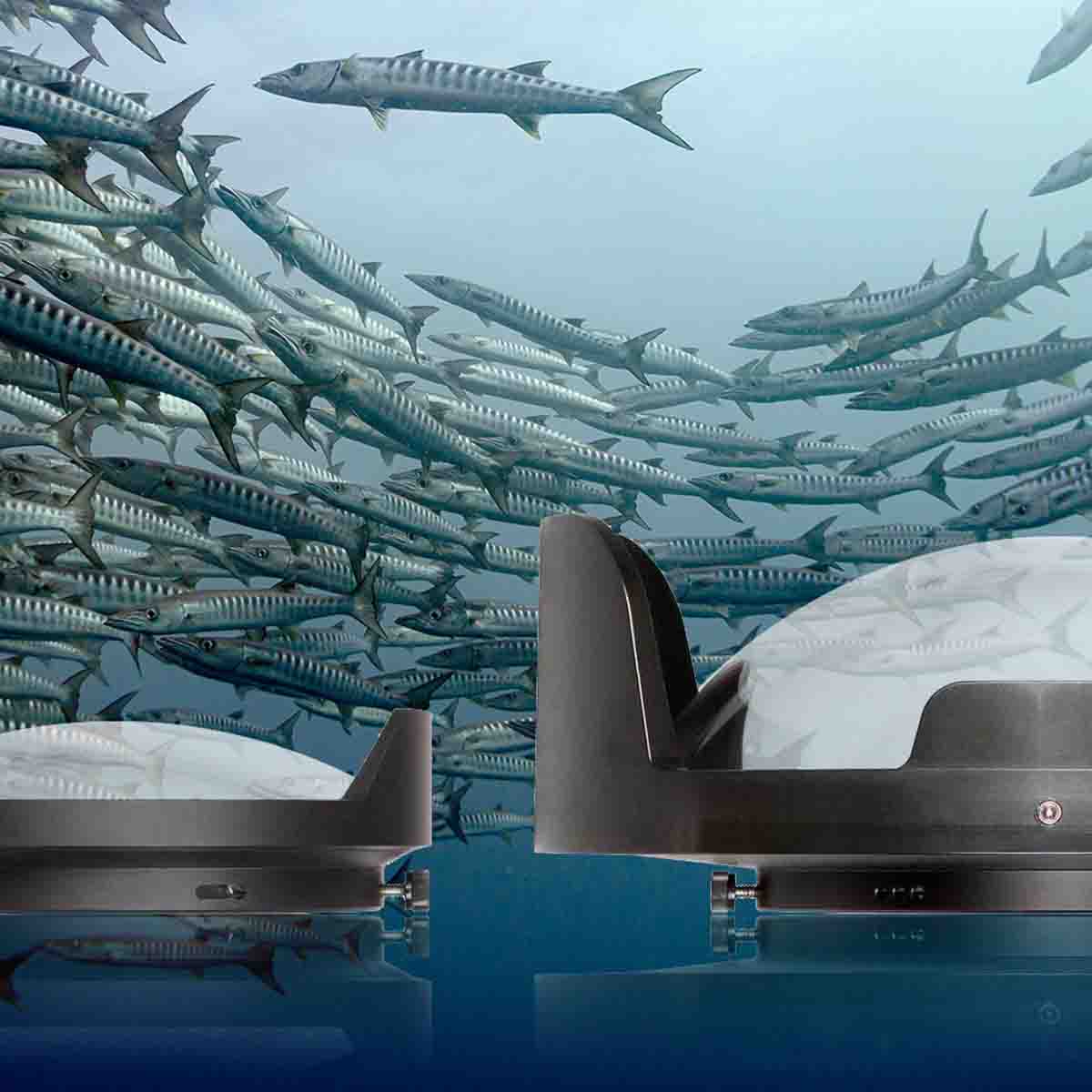
There are three components to this port assembly: DL 8 inch Dome Port, DL 28mm Port Extension, and DL 50mm Port Extension.
When putting these components together, make sure that the thumbscrews are backed all the way out, you're lubricating the o-ring and corresponding sealing surface, and that the thumbscrews do line up with the corresponding pockets on the mating piece.
Next put the port assembly onto the housing. Note that one of these sets of thumbscrews correspond to the shade on the dome port - that aligns with the top of the housing. Attach port assembly onto the housing until it's flush all the way around the circumference then tighten the thumbscrews down.

When installing the port and extensions make sure you check for any debris while you lubricate o-rings and sealing surfaces as any debris in these areas could compromise the seal of your housing.
The last step we recommend is optional but can be a huge help underwater when shooting with a full sized dome port, and that's using a Trim Weight System. This system will help you shoot smoother video, sharper images, and prevent wrist fatigue all in a travel-friendly system. See the step-by-step guide to Using a Trim Weight System for Balance and Stability Underwater.
That's all it takes to accommodate the Nikon Z mount 24-70mm f/2.8 S Mark II lens. If you have any questions about this assembly, please shoot us an email to ikelite@ikelite.com.
Additional Viewing
Nikon Z 24-70mm f/4 Zoom Gear Installation // Ikelite 200DL Underwater Housing [VIDEO]
Nikon Z 24-70mm f/4 S Lens for Underwater Photography Review & Results
Top 3 Best Lenses for Nikon Full Frame Mirrorless Underwater [VIDEO]
Nikon Z6, Z6 II, Z7, Z7 II Setting It Up // Ikelite 200DL Underwater Housing Assembly [VIDEO]
Nikon ZR Setting It Up // 200DL Underwater Housing Assembly [VIDEO]
 John Brigham is the Vice President & head of product development at Ikelite. He was born with a flair for design and an entrepreneurial spirit as son of Ikelite founder Ike Brigham. He worked his way up in the business and is a natural fit in the R&D side of things. John dives the equipment as much as possible to test product and put himself in the "fins" of the user. You may also find him on the other end of an email or phone call when you reach out for product advice and support. When he's not underwater he's flying drones, setting off rockets, training his German Shepherd "T2", and spending time with his family.
![Installing the Sun Shade LCD Hood for Nikon ZR // 200DL Underwater Housing [VIDEO]](http://www.ikelite.com/cdn/shop/articles/nikon-zr-sun-hood-video-blog-cover_6b76d05d-5716-43c6-a0ba-1df0957e5947.jpg?v=1774453747&width=2000)
![Canon RF 7-14mm Fisheye Setting It Up // Ikelite Underwater Housing [VIDEO]](http://www.ikelite.com/cdn/shop/articles/Set_Up_Canon_RF_7-14mm_Fisheye_Blog_Cover_838c961f-0ed3-4e78-aafa-b906cf5db8f4.jpg?v=1776430264&width=2000)
