




Featuring John Brigham
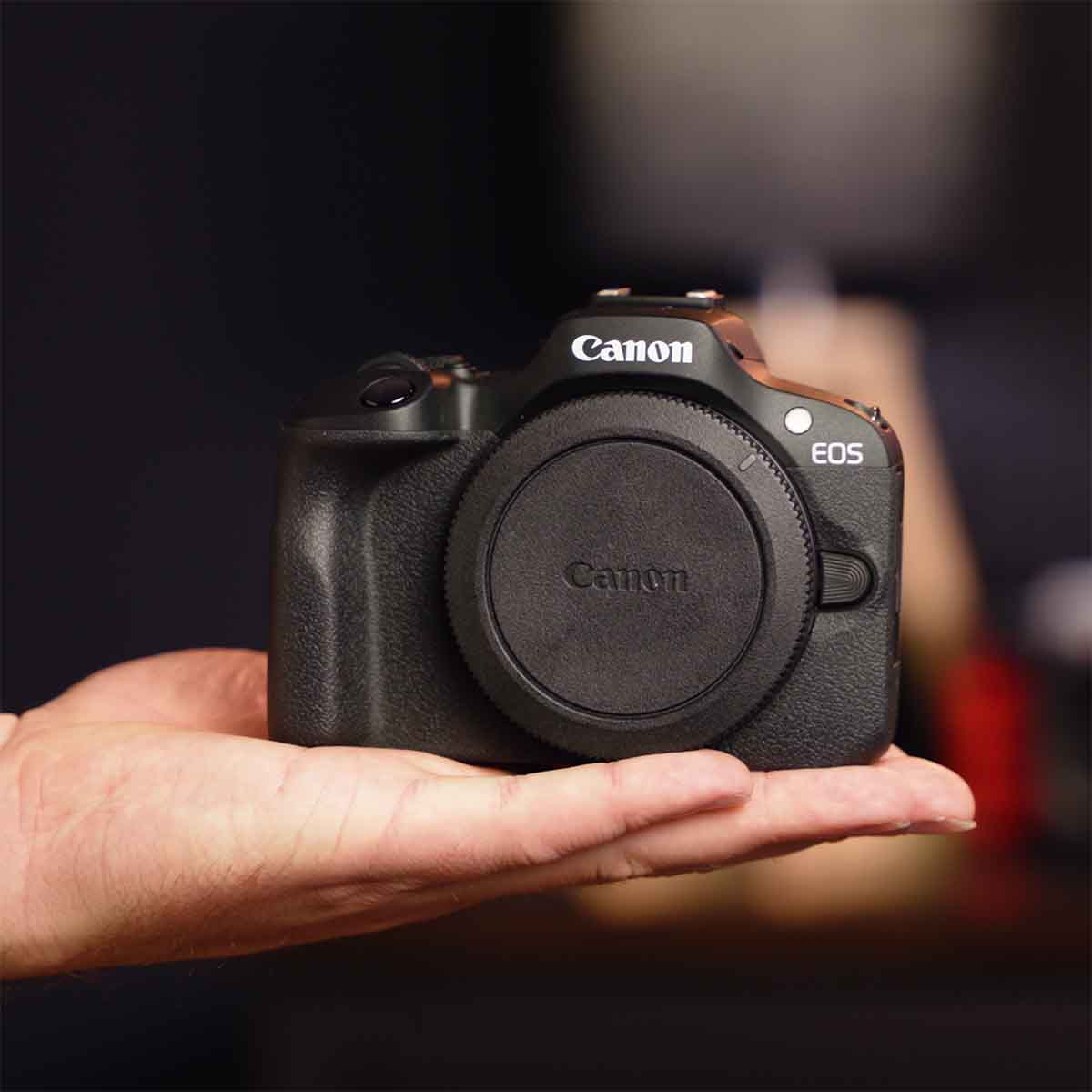
The Canon R100 checks a lot of boxes: small, effective, and extremely easy to use. John Brigham walks through how to assemble the Canon R100 inside an Ikelite 200DLM/D underwater housing with the new integrated fiber optic system.
If you'd rather read an article version of this video, scroll down.
Get the Gear
-
200DLM/D Underwater Housing for Canon EOS R100 with 18-45mm & 10-18mm Lenses [Fiber Optic Update] # 69753
-
Anti-Reflection Ring for Canon RF-S 18-45mm f/4.5-6.3 IS STM Lens # 0923.16
Applying the Anti-Reflection Ring
We always recommend using an anti-reflection ring, these self-adhesive rings attach to the front of your lens to cover the writing and details that can cause reflections inside of a dome port.
To apply the the anti-reflection ring, simply remove the ring from the paper backing and apply it to the front of your lens (as pictured below), then wipe away any finger prints you might have gotten on the lens during this process.

You'll only need to apply this anti-reflection ring once, so take your time and make sure it is evenly applied and covering all the lettering.
Then, attach your lens to the camera as usual. Make sure you have the lens cap removed, the lens is extended to the shooting position (18-45mm range), your SD card is inserted and functioning properly, and your camera has a full battery.
Preparing the 200DLM/D Underwater Housing
When you receive this housing the port and gear sleeve will be pre-installed, so all you really need to do at this step is open the housing, load batteries into the fiber optic transmitter battery compartment, and slide the camera into the housing.
Unlock the two locking lid snaps on the side of the housing and remove the clear back from the housing and set to the side. Remove the camera mount from the housing, and move any controls out of the way so they don't interfere with the camera when it is ready to be installed in the housing.
Installing Batteries in the Fiber Optic Transmitter
Install two (2) CR2032 batteries inside the Fiber Optic Transmitter battery compartment, this compartment is located on the top left hand corner inside the housing. To install the batteries, lift the lid on the battery compartment and put one battery positive (+) side up in the slot closest to the wires and the hinge of the compartment. Put the other battery negative (-) side up in the other slot. Then, simply close and snap the compartment shut. Slide the ON/OFF switch into the ON position and snap the compartment back into the cradle and push it fully forward.

Install the CR2032 batteries as pictured, with the positive (+) side up closest to the wires and hinge of the compartment, install the other battery negative (-) side up in the other slot.
Installing the Camera in the Underwater Housing
Install the housing's camera mount to the tripod mount on the bottom of the camera. Use a flathead screwdriver to ensure this mount is snuggly attached, as any misalignment here can result in a misalignment of your housing controls.
Install the hotshoe to the camera, ensuring that is pressed fully forward so that all pins make proper contact with the camera.
Now, slide the mounted camera into the base inside the housing. Realign all of the controls on the housing into their proper position and make sure any wires are properly tucked away.
Lastly, check to make sure that the sealing surface on your housing is clean and free of debris. Check that the o-ring is clean and free of debris. There's no need to lubricate this o-ring as it is a compression seal and does not require lubricant.

Once the camera is installed in the housing realign all of the controls, tuck the wiring, and check the sealing surface and o-ring.
Reattach the housing back onto the front of the housing and re-lock the lid snaps, then double check they're properly locked. Check all of your controls for proper functionality. Remove the neoprene cover from the port and make sure that the zoom functionality is working properly.
We always recommend taking a photo at this point to ensure everything is working properly. When your fire a shot you should notice the LED lights on the Fiber Optic Transmitter lighting up.
Vacuum Leak Detection
Now that the housing is fully assembled the last step is to create a vacuum on the housing. This not only works to detect a leak before entering the water but also helps to reinforce all of the closing mechanisms on your housing.
To do this, push the button on the side of the vacuum valve to release the valve cap. Insert the barb at the end of the vacuum pump hose, you will hear it click into place.
Create a vacuum using the hand pump. Choose a number on the gauge as a reference point (in this demonstration, we chose 15) and pump to this number. When you're done pumping the needle should remain steady. If it is gradually dropping that indicates you have a compromised seal somewhere and you need to investigate its source before taking your camera in the water. If the needle holds steady then remove the barb from the housing and replace the vacuum valve cap.
You'll want to leave your housing sitting for an extended period, ideally overnight but even 15-20 minutes is sufficient, then retest. Reinsert the vacuum hose and ensure that the gauge jumps back to your reference number. There may be some slight differential due to air in the vacuum hose, but the gauge should jump back to the reference point. If it doesn't, that means there's a compromised seal you need to investigate. If it jumps back as usual then you're good to go. Remove the hose and reinsert the vacuum valve cap. Keep in mind that you always want the vacuum valve cap in place when not actively using the vacuum pump. You should never take your housing underwater without a vacuum valve cap installed.

We recommend diving with the vacuum on the housing because, again, this reinforces all the closing mechanisms on your housing and provides you added reassurance even in choppy water. To remove your camera from the housing you will need to release this vacuum. To do this, either reinsert the vacuum pump and half-press the release button on the vacuum hand pump. Or, using a ballpoint pen, depress the button on the inside of the vacuum valve.
That's everything you need to know to take the compact, but powerful Canon R100 underwater today. If you have any questions about this process, need a lens recommendation, or just want to share some of your favorite photos with the team, contact us today.
Additional Viewing
The Most AFFORDABLE Pro Quality Underwater System // Canon EOS R100 Housing [VIDEO]
Canon EOS R100 Underwater in Micronesia
Canon R100 Underwater Photos & Video // California & Grand Cayman [VIDEO]
Canon EOS R100 Underwater Photos
 John Brigham is the Vice President & head of product development at Ikelite. He was born with a flair for design and an entrepreneurial spirit as son of Ikelite founder Ike Brigham. He worked his way up in the business and is a natural fit in the R&D side of things. John dives the equipment as much as possible to test product and put himself in the "fins" of the user. You may also find him on the other end of an email or phone call when you reach out for product advice and support. When he's not underwater he's flying drones, setting off rockets, training his German Shepherd "T2", and spending time with his family.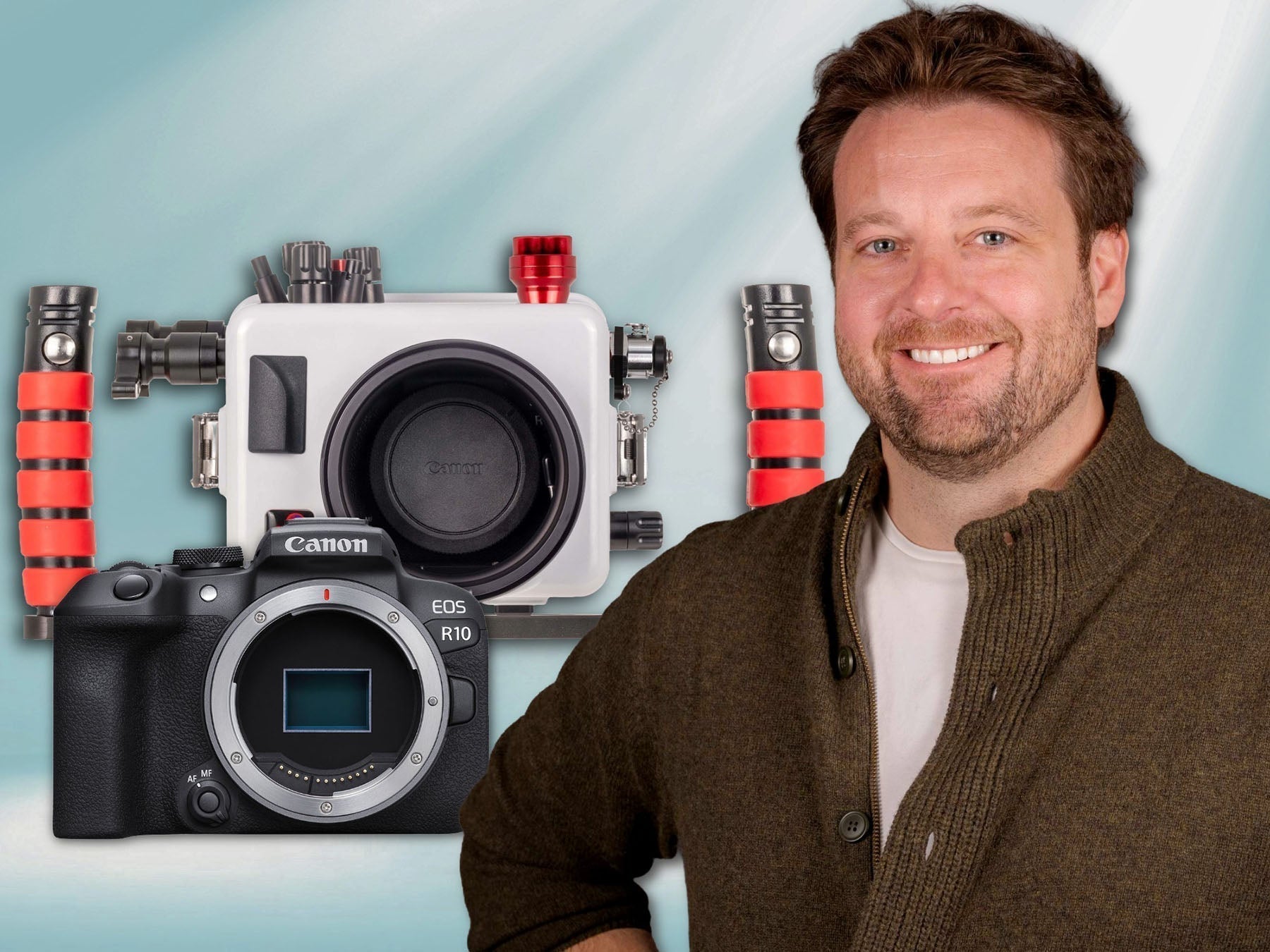
![Installing the Sun Shade LCD Hood for Nikon ZR // 200DL Underwater Housing [VIDEO]](http://www.ikelite.com/cdn/shop/articles/nikon-zr-sun-hood-video-blog-cover_6b76d05d-5716-43c6-a0ba-1df0957e5947.jpg?v=1774453747&width=2000)
