



Featuring John Brigham
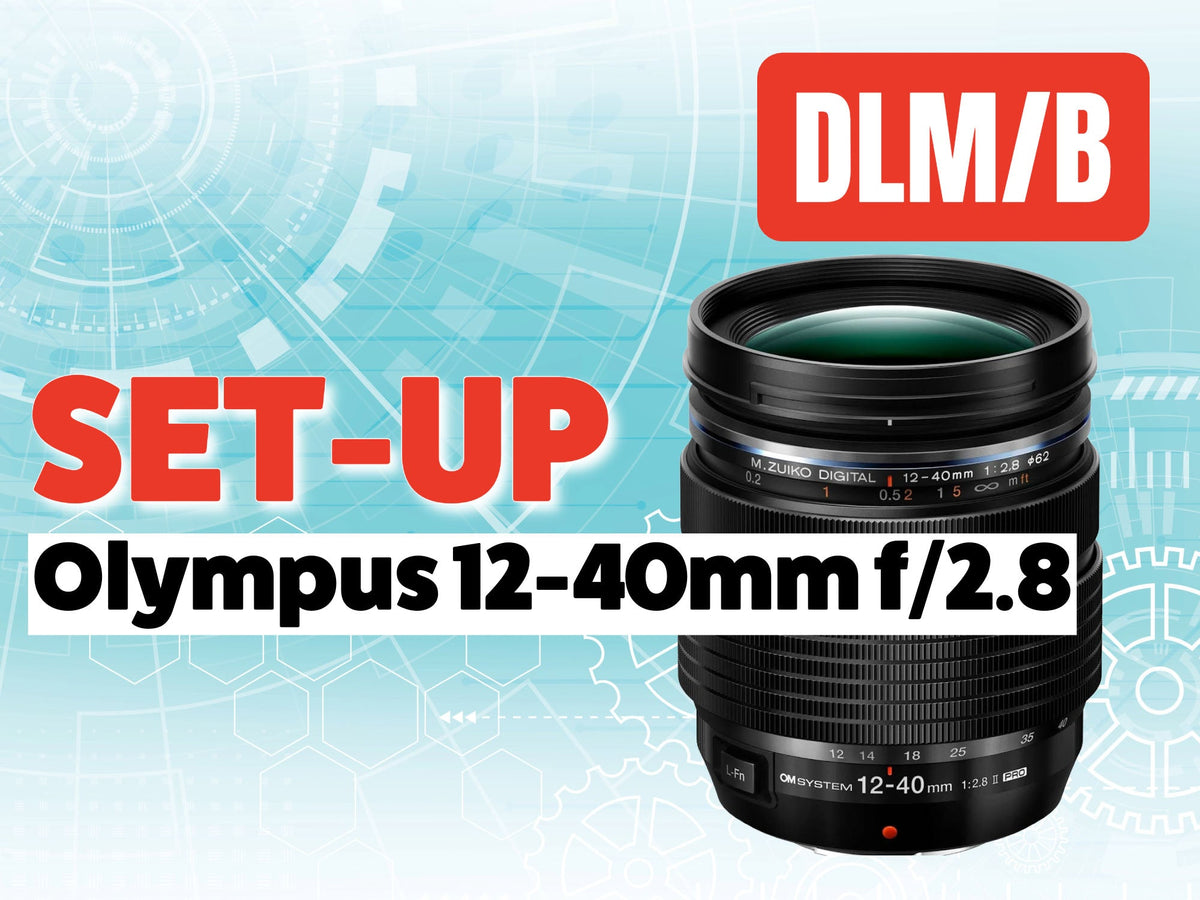
Learn how to set up your Olympus 12-40mm f/2.8 PRO M.Zuiko Digital ED Lens to use its full zoom range underwater in a compatible 200DLM/B Underwater Housing. Follow along with the video below, scroll down to view the article version.
This gear is for use in a compatible Ikelite 200DLM/B Underwater Housing. It is NOT compatible with DLM/A housings. Please refer to the appropriate Lens Port Chart to select the correct gear for your lens. This gear is intended for zoom operation only. Manual focus is not supported.
Cameras include (but not limited to):
- OM System OM-1, OM-1 II
- Olympus E-M1 II, III
- Panasonic G7
- Panasonic G80, G85
- Panasonic GX9
Installing the Zoom Gear, Extension, and Dome Port
Back out the thumbscrews from both the extension and dome port so they're not protruding into the inside diameters. Apply a small amount of Ikelite lubricant to the o-ring on the port mount on the housing, the o-ring on the extension, the sealing surface of the extension, as well as the sealing surface of the dome port. While you do this, check for any debris that could compromise the seal of the housing.
Line up one of the thumbscrews of the extension with the top (noon) of the housing and press down to seal then finger-tighten down the thumb screws.
Place the zoom gear sleeve into the extension, teeth-side up (facing toward the ceiling).
On the dome, pull the drive gear out slightly and then place the dome port onto the extension so that the thumbscrews of the extension and the dome are in line with each other. We also recommend orienting the dome so that the drive gear will be on your left hand side so you can have your right hand free to engage the shutter lever. Press the dome firmly down to seal and then tighten the thumbscrews.

The thumbscrews on the dome and extension should line up as pictured above, once aligned press down to seal and then tighten all of the thumbscrews. We also recommend putting the drive gear on the left side so your right hand will be free to engage the shutter lever.
Rear Loading the Camera and Lens
Turn the housing over and remove the clear back from the housing.
Ensure your camera is set to autofocus. Move any controls and hotshoe wire in your housing out of the way so you can rear load the camera into the housing. With the lens and mount attached to the camera, simply rear load the camera into the housing by sliding the mount on the camera into the base inside the housing. Then, realign all of the gears and attach the hotshoe.
Check the sealing surface of the housing and the o-ring on the housing back for any debris and then reattach the back to seal the housing. Check for zoom functionality.
We recommend putting a vacuum on your housing to check for any leaks before diving. This will also reinforce all the closing mechanisms on your housing for added reassurance while in the water.
If you have any questions about this assembly process or equipment you need for your underwater systems, reach out to our team.
Featured Equipment
- Zoom Gear # 50050
Additional Viewing
OM-1 OM System Underwater Housing Assembly // Ikelite 200DLM/B [VIDEO]
OM System OM-1 Underwater Photos and Review
Olympus OM-D E-M1 Mark II Underwater Housing & Camera Review
Close Focus Wide Angle Underwater Camera Settings
 John Brigham is the Vice President & head of product development at Ikelite. He was born with a flair for design and an entrepreneurial spirit as son of Ikelite founder Ike Brigham. He worked his way up in the business and is a natural fit in the R&D side of things. John dives the equipment as much as possible to test product and put himself in the "fins" of the user. You may also find him on the other end of an email or phone call when you reach out for product advice and support. When he's not underwater he's flying drones, setting off rockets, training his German Shepherd "T2", and spending time with his family.


