



![FIX: LCD Screen Dark When Shooting with Strobes [VIDEO]](http://www.ikelite.com/cdn/shop/articles/ikelite-strobe-screen-blackout-fix-blog-cover_91a18d09-b31c-42c7-b2ed-4bd67f15ab9f.jpg?v=1766758776&width=1500)
Featuring Logan Wood
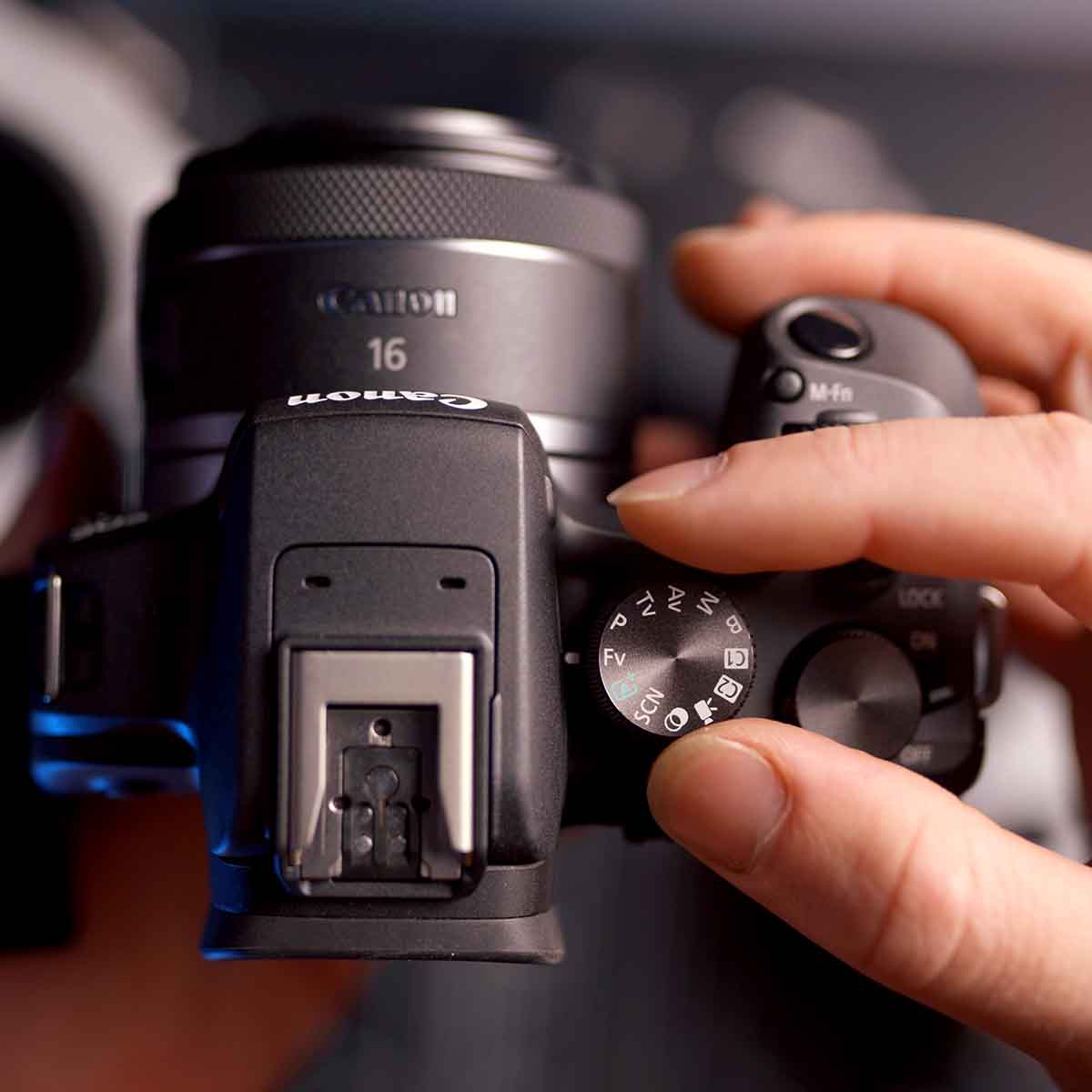
Does the LCD screen on the back of your camera look dark when shooting with strobes underwater? Nothing’s wrong, you just need to change one setting. Check out how to properly view your scene before a flash exposure on Sony, Nikon, and Canon mirrorless cameras.
Scroll down to read the video transcript.
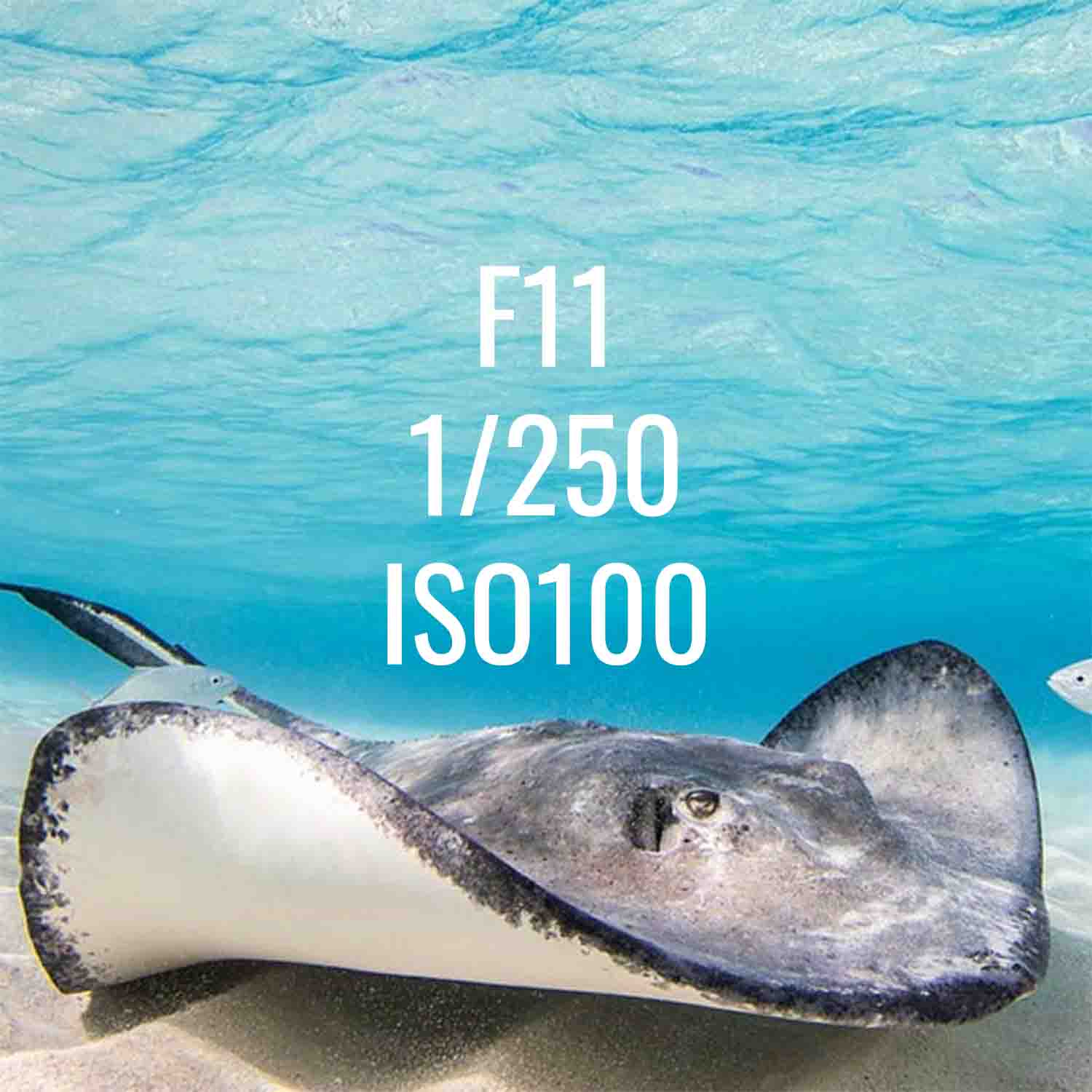
If you're shooting underwater with strobes and your screen looks black and you can't see your image, there's an easy fix for that. Most likely what's happening is that your camera is showing you what your image will look like with your current settings. However, it's not taking into consideration that there will be a flash that goes off in your image. So, if you're shooting underwater at say f/18, your screen will look all black. Here's how to fix that for Sony, Nikon, and Canon cameras.
Sony
Navigate to your camera's menu and follow these steps:
Menu > Red Shooting Tab > Page 10 > Shooting Display > Live View Display Set > Setting Effect OFF
Nikon
Navigate to your camera's menu and follow these steps, keeping in mind that on Nikon cameras the exact location of the "View mode (photo Lv)" may differ from the example in this video depending on your camera model.
Menu > Custom Settings Menu > d. Shooting Display Options > View Mode (photo Lv) > Adjust for ease of viewing > AUTO
Canon
Navigate to your camera's menu and follow these steps, keeping in mind that the "Display Simulation" maybe be in a different spot than the example in this video depending on your camera model:
Menu > first Red Camera Tab > Display Simulation > Disable
Now you're all set! If you have any questions about this, or anything else underwater photography related, shoot us an email to ikelite@ikelite.com.
Additional Viewing
Nikon Custom Settings for Underwater Photography // 200DL Housing [VIDEO]
Nikon Custom White Balance for Underwater Photos and Video [VIDEO]
Customizing the Dial Functions on a Sony Mirrorless Camera for Underwater Use [VIDEO]
Sony Custom White Balance Shortcut for Use in Underwater Housings [VIDEO]
Custom White Balance for Underwater with Canon Mirrorless Cameras [VIDEO]
Canon Back Button Focus for Underwater Photography [VIDEO]
Why You Need Strobes Underwater

Logan Wood is a published photographer, cinematographer, and Producer at Ikelite. Stemming from a great appreciation for the outdoors and living an active lifestyle, his work focuses on capturing and sharing the natural world through the latest technologies. When not in the studio, Logan can be found cruising on his bike, going to concerts, and researching where to go next. You can see more of his work at loganwood.net and on Instagram @jlowood