


![Canon R6 III Setting it up // 200DL Underwater Housing [VIDEO]](http://www.ikelite.com/cdn/shop/articles/Canon_R6III_Assembly_blog_cover_0a82abaf-8aba-4b17-a41f-7173a7c278fd.jpg?v=1769174781&width=1500)
Featuring John Brigham
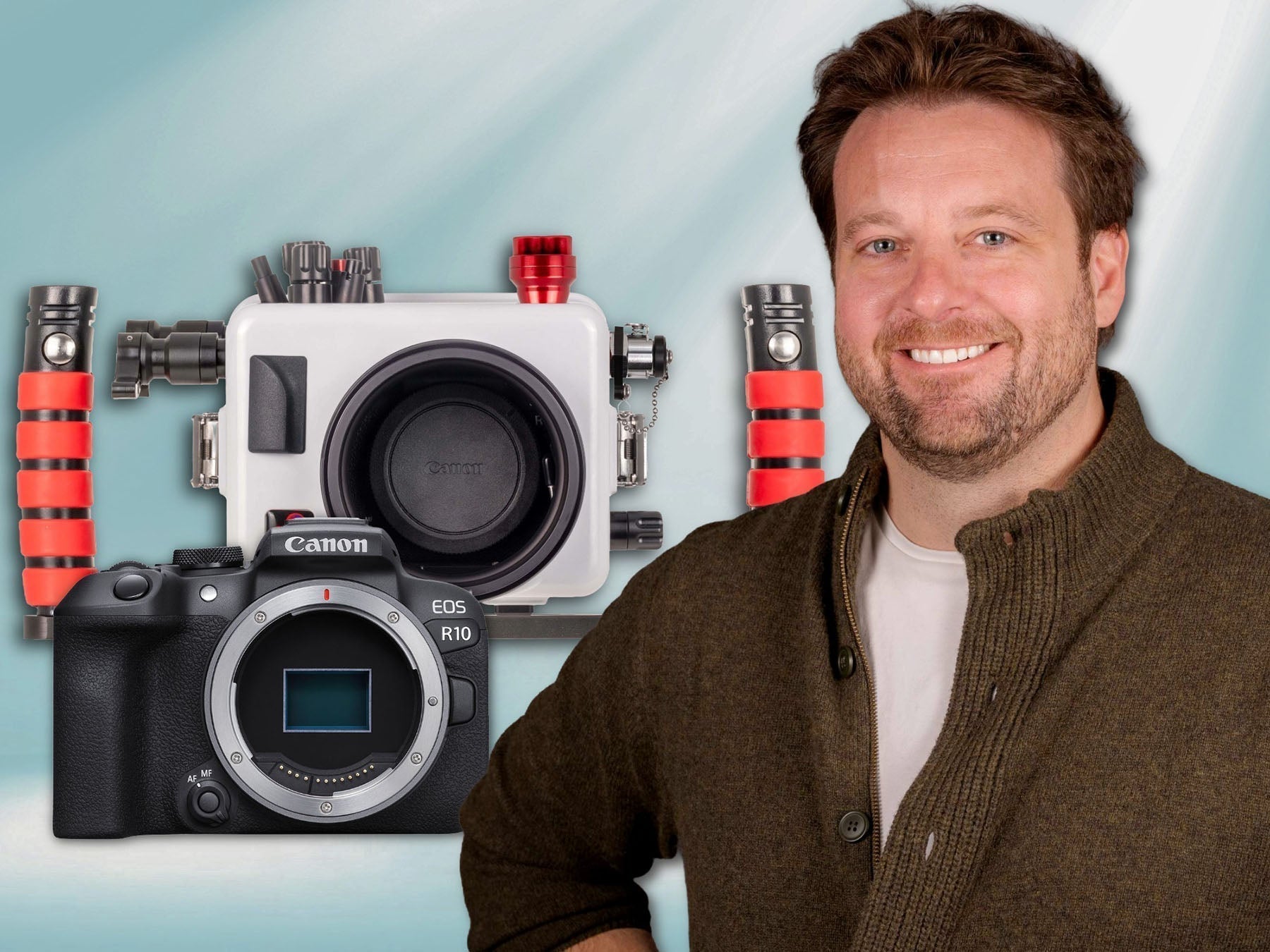
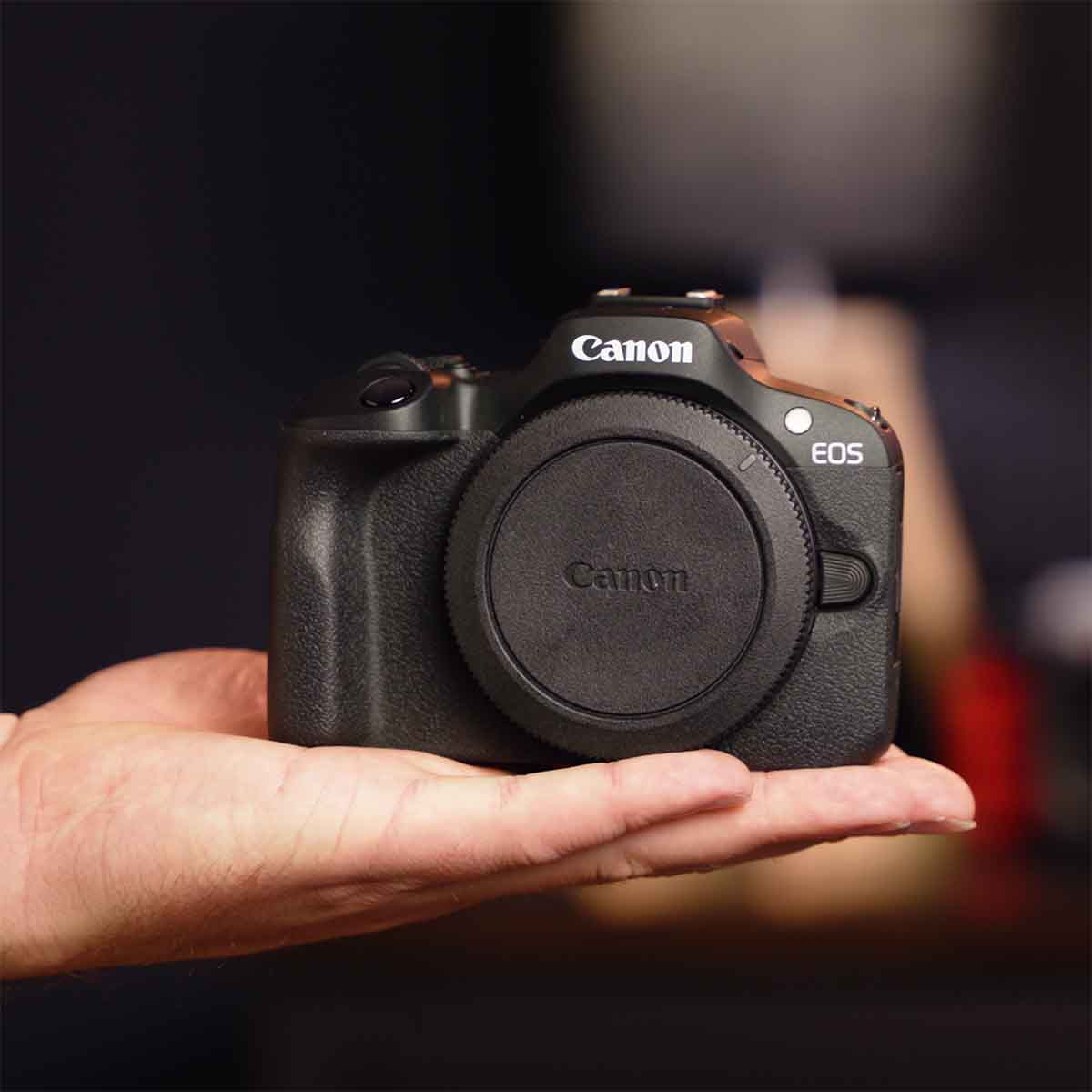
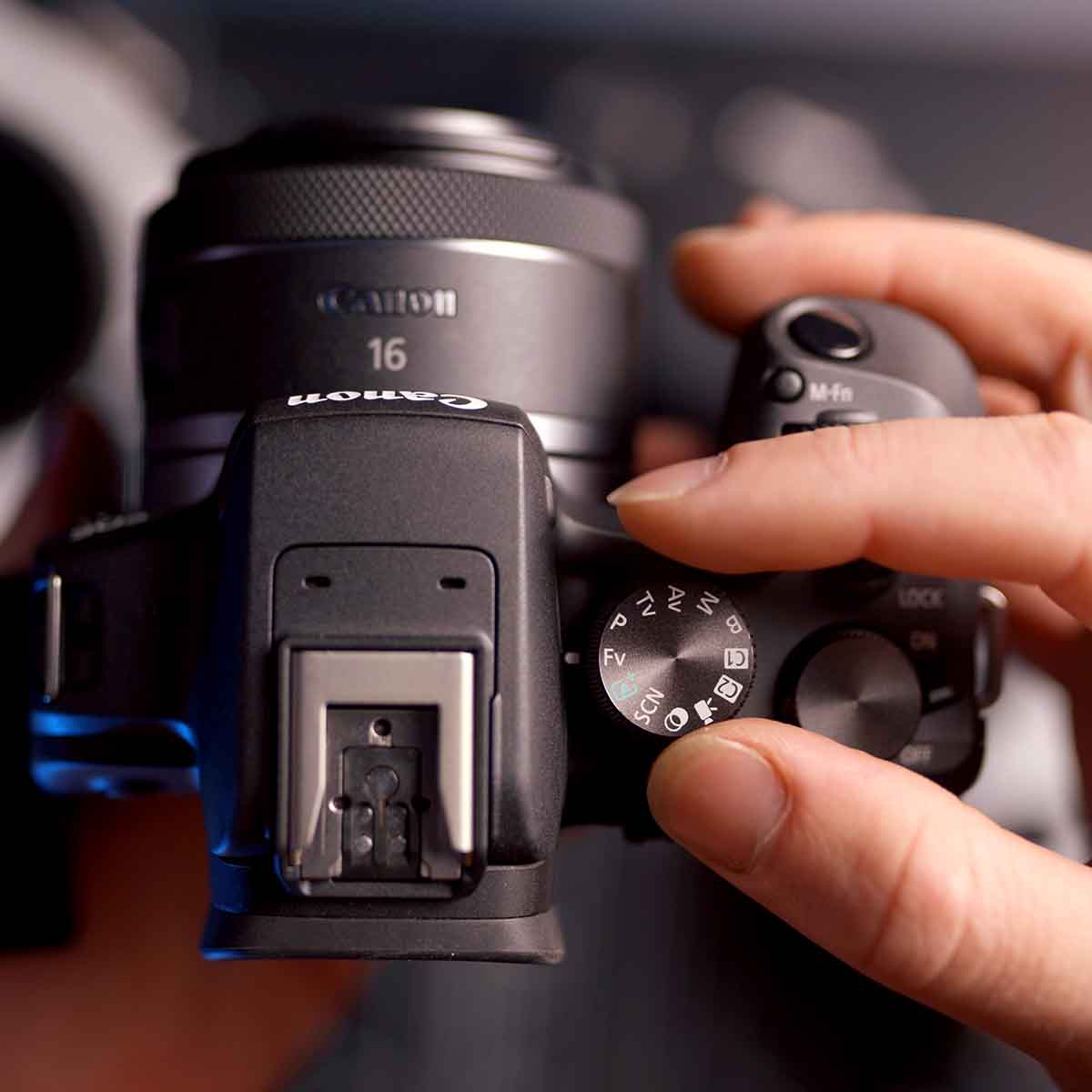
The Canon EOS R6 Mark III is the true embodiment of what a hybrid camera is, with significant improvements in both photo and video over its predecessor, the R6 Mark II. Ikelite's VP and head of product development, John Brigham, walks through how to get it set up in an Ikelite underwater housing.
If you'd prefer reading, scroll down to see the article version of this video.
Equipment Used
- 200DL Underwater Housing for Canon EOS R6 III Deluxe Version with Handles, Vacuum Pump, & USB-C Charging Bulkhead # 71772-DLX
- DL Macro Flat Port # 75301
- DL 37mm Port Extension # 75037
Installing the Canon R6 III in the Housing
Lay the housing face down on an assembly mat, unlock all three lid snaps on the housing, remove the back and set it to the side.
Remove the camera mount from inside the housing and attach it to the tripod port on the camera using a flathead screwdriver. Ensure that this is tightly secured because any misalignment between the mount and the camera could result in a misalignment with the controls when the camera is installed in the housing.
Double check that the camera has a full battery and a ready-to-use SD card. Attach the USB-C cord to the camera for easy data transfer and battery charging. Then attach the hotshoe, push this all the way forward to ensure full contact.
Move any controls out of the way that may impede the camera sliding into the housing, then slide the camera and mount into the housing and realign all of the controls.
Before reattaching the back of the housing check the sealing surface and the o-ring. This is a compression seal, so no lubricant is required here but it is important you take a moment to ensure there is no hair, debris, sand, etc. that could compromise the seal of the housing.
Align the back of the housing to the front and reattach the locking lid snaps, lock the two on the side simultaneously and then lock the top lid snap. Double check that these are properly engaged and locked.

All the gear you'll need to take the Canon R6 III + RF-S 85mm macro lens underwater.
Attaching the Lens, Extension, and Port
Using the included tool, remove the gear sleeve retainer and the dust cap from the front of the housing and set these to the side. Remove the body cap from the camera.
For this demonstration we're going to be attaching the Canon RF 85mm f/2 Macro Lens. Remove both the lens cap and back cap from the lens and align the red indexing line on the lens with the indexing line on the camera and bayonet the lens into place through the port opening of the housing.
Attach the DL 37mm port extension to the DL macro flat port: Back out all three thumbscrews from the inside diameters of the extension and the flat port. Using the provided Ikelite lubricant between your thumb and finger, apply a small amount to the o-ring of the port extension and the port base on the housing. While you're doing this check for any debris that could compromise the seal. Then, apply some lubricant to the mating pieces of flat port and extension, on the vertical walls. Again, checking for any debris while you're doing this.
There are three pockets for the corresponding thumbscrews on the extension and port base, align the thumbscrews on the flat port with the pockets on the port extension and press down firm until these two pieces make contact all the way around the circumference, then tighten each of the thumbscrews. There's no need to over-tighten these thumbscrews as this is just a retaining mechanism and the seal occurred when the two pieces were pressed together and piston sealed.
Now, align the thumbscrews on the port extension with the corresponding pockets on the port base of the housing. Press firmly to seal these pieces like you did with the port extension and flat port. Again, finger tighten the thumbscrews.

Line thumbscrews up with pockets on the port base and extension(s) and press firmly down then finger-tighten the thumbscrews.
Vacuum Leak Detection
Now the housing is fully sealed and the next step is to create a vacuum inside the housing. This not only helps you detect leaks before entering the water, it also reinforces all the closing mechanisms on the housing.
Press the button on the vacuum valve located on the side of the housing. This valve cap is tethered so that you don't lose it and to remind you to always keep the valve capped unless you're actively using the vacuum pump. Never expose the housing to water without this valve cap attached.
With the valve cap removed, insert the barb on the end of the vacuum pump hose, you will feel this click into place. Use the hand pump to create a vacuum inside the housing. The number you pump the vacuum to is not as important as the fact that the needle is not dropping when you're done pumping. If it is, that indicates that you have a compromised seal that you need to investigate before using the housing in the water.
Pump the housing to a designated number (in this case 15) then remove the barb from the housing and reattach the valve cap. Let this sit, ideally overnight, but for at least 15-30 minutes before rechecking. Then, reinsert the vacuum pump barb to check that the pressure has not changed. The hand pump should jump right back to 15 upon reinsertion. If it doesn't, this indicates a leak that you need to investigate before using the housing in the water.
If you're utilizing the USB-C bulkhead to charge and offload images you will lose vacuum through this because it is not a sealed port going past the circuitboard. You can either put the cap back on, which is a fairly safe methodology as the real opportunities for an issue to occur would be in removing the port or the back from the housing, or you can re-pump the vacuum on the housing.
When you're ready to release the vacuum, which you will need to do in order to open the housing, reinsert the barb into the vacuum valve and halfway-press the release button on the hand pump. If, for some reason, you don't have access to the hand pump and need to open the housing you can stick a ballpoint pen and depress the button inside the vacuum valve on the housing to release the vacuum.

Note that the valve cap is tethered to the housing as a reminder to always keep this installed unless you're actively using the vacuum pump.
If you have any questions about this process, need lens recommendations, or want some personalized photography advice reach out to our team.
Additional Viewing
Canon R6 & R6 II Assembly // Ikelite 200DL Underwater Housing [VIDEO]
Canon RF 85mm f/2 Macro Underwater Review and Tips [VIDEO]
Canon RF 85mm f/2 IS STM Lens Underwater Photos and Review
Switching Between EVF and LCD in Your Underwater Housing for Canon Cameras [VIDEO]
Custom White Balance for Underwater with Canon Mirrorless Cameras [VIDEO]
 John Brigham is the Vice President & head of product development at Ikelite. He was born with a flair for design and an entrepreneurial spirit as son of Ikelite founder Ike Brigham. He worked his way up in the business and is a natural fit in the R&D side of things. John dives the equipment as much as possible to test product and put himself in the "fins" of the user. You may also find him on the other end of an email or phone call when you reach out for product advice and support. When he's not underwater he's flying drones, setting off rockets, training his German Shepherd "T2", and spending time with his family.
![Nikon ZR Camera Settings for Underwater Video [VIDEO]](http://www.ikelite.com/cdn/shop/articles/Nikon_ZR_Setting_Blog_Cover_9c7d79c5-48ad-4712-bd39-741695173d2e.jpg?v=1768574357&width=2000)