


Housings
Setting Up Your Housing
This collection of videos walks you through installing your camera in the related underwater housing and making any necessary settings changes.
OM System (Olympus)
Accessories
Adding Accessories to Your Housing
These items will make your underwater photography experience more enjoyable and allow you to customize your experience.
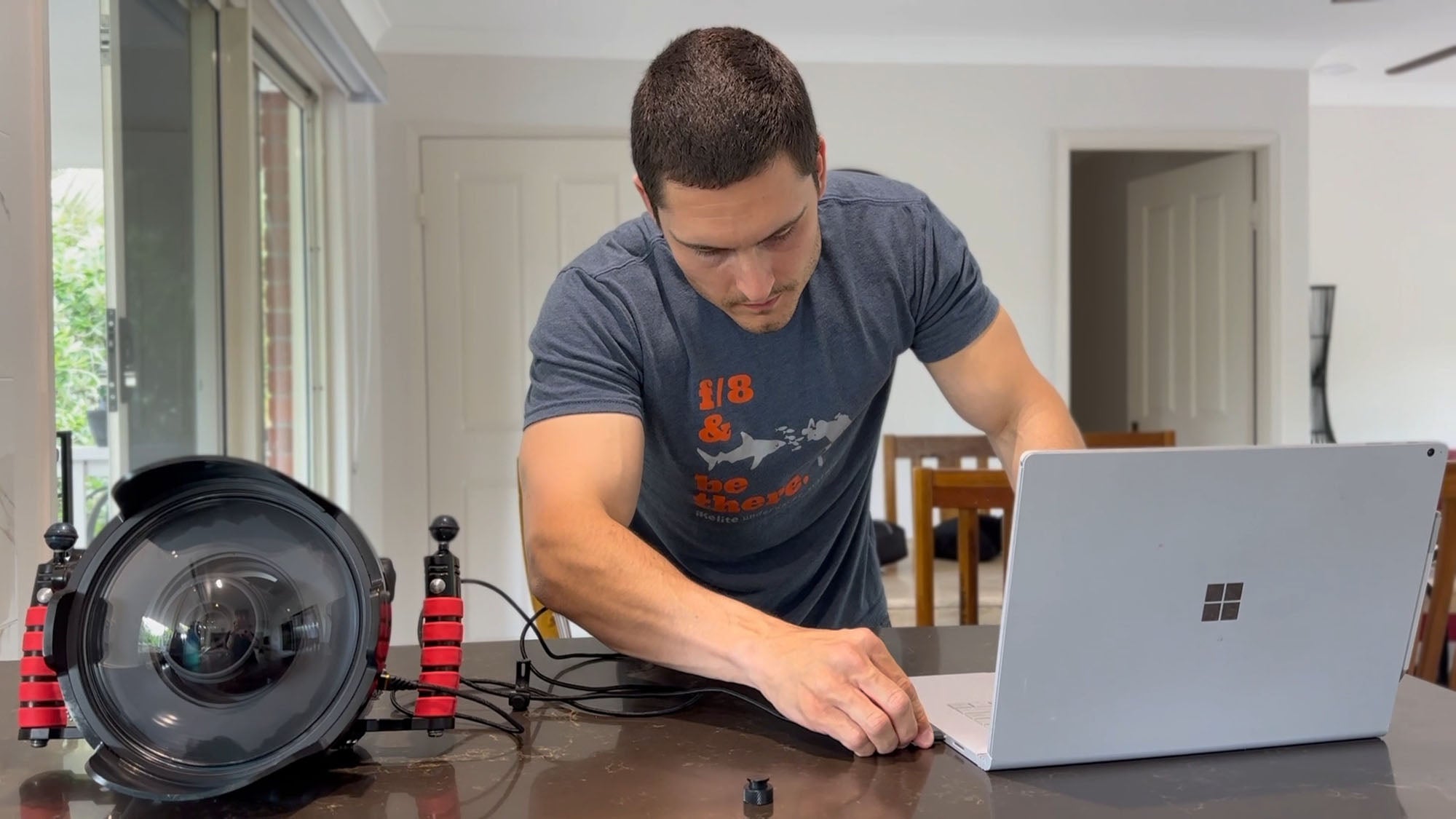
Adding a USB-C Charging & Data Transfer Bulkhead
Set it and forget it! Charge and offload data without removing your camera from the housing.
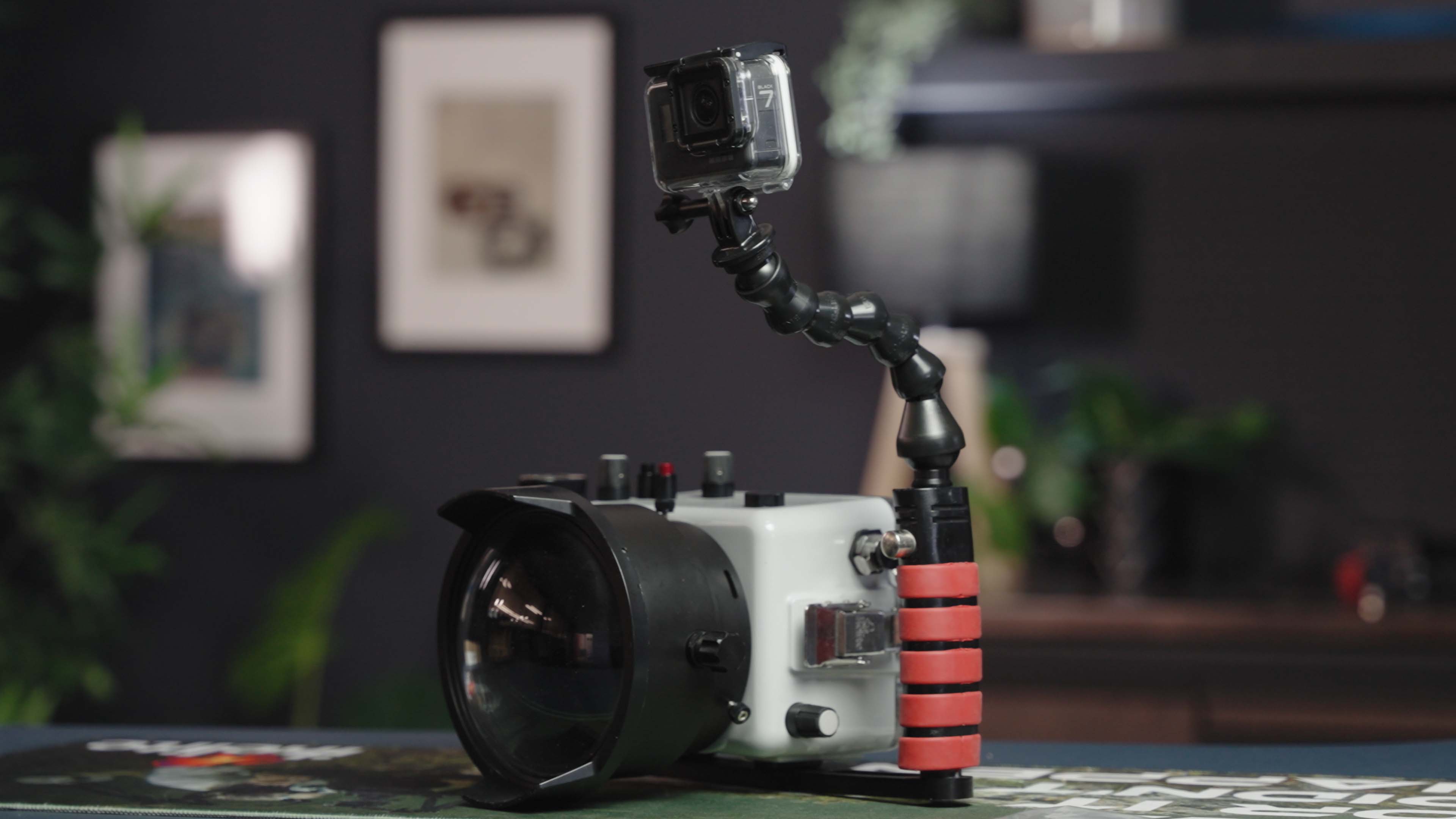
Adding a GoPro To Your Housing
Don't leave your GoPro behind just because you upgraded your camera rig. Catch some extra video on the fly by using one of our GoPro mounts.
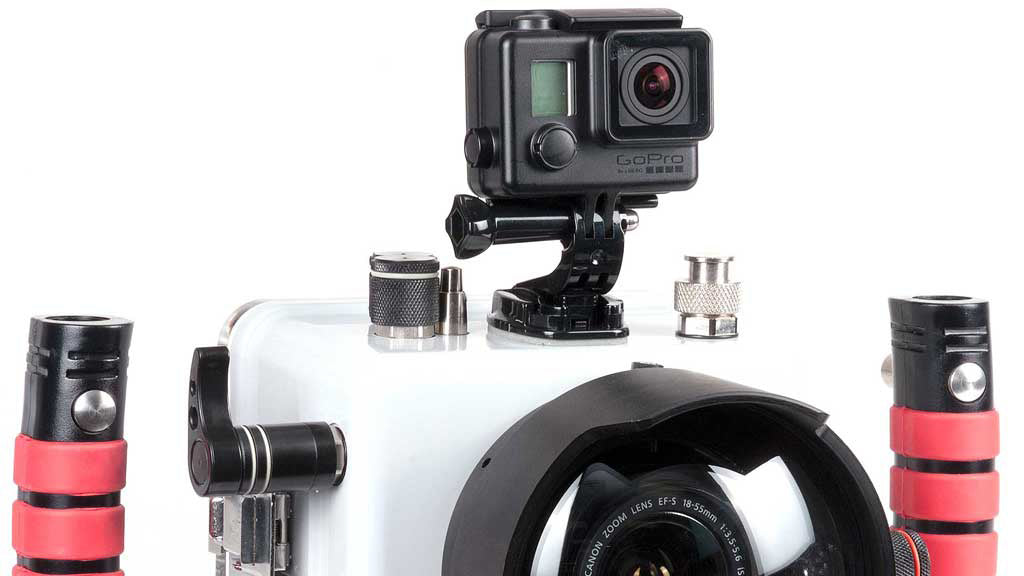
Using the GoPro Adhesive Mount
The most streamlined way possible to add a GoPro to your DLM housing system.
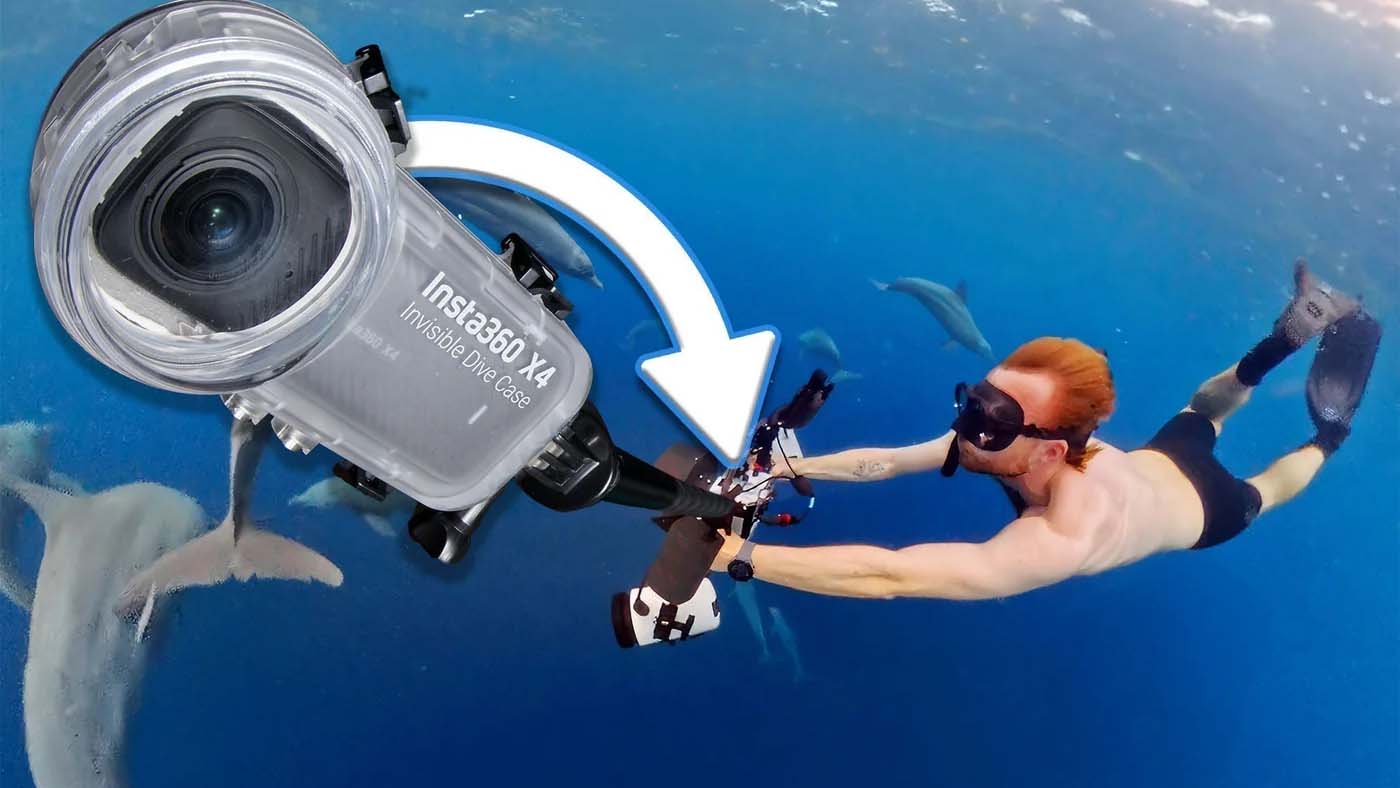
Mounting an Insta360 Action Camera
Round out your underwater storytelling with behind-the-scenes video using an Insta360 camera.
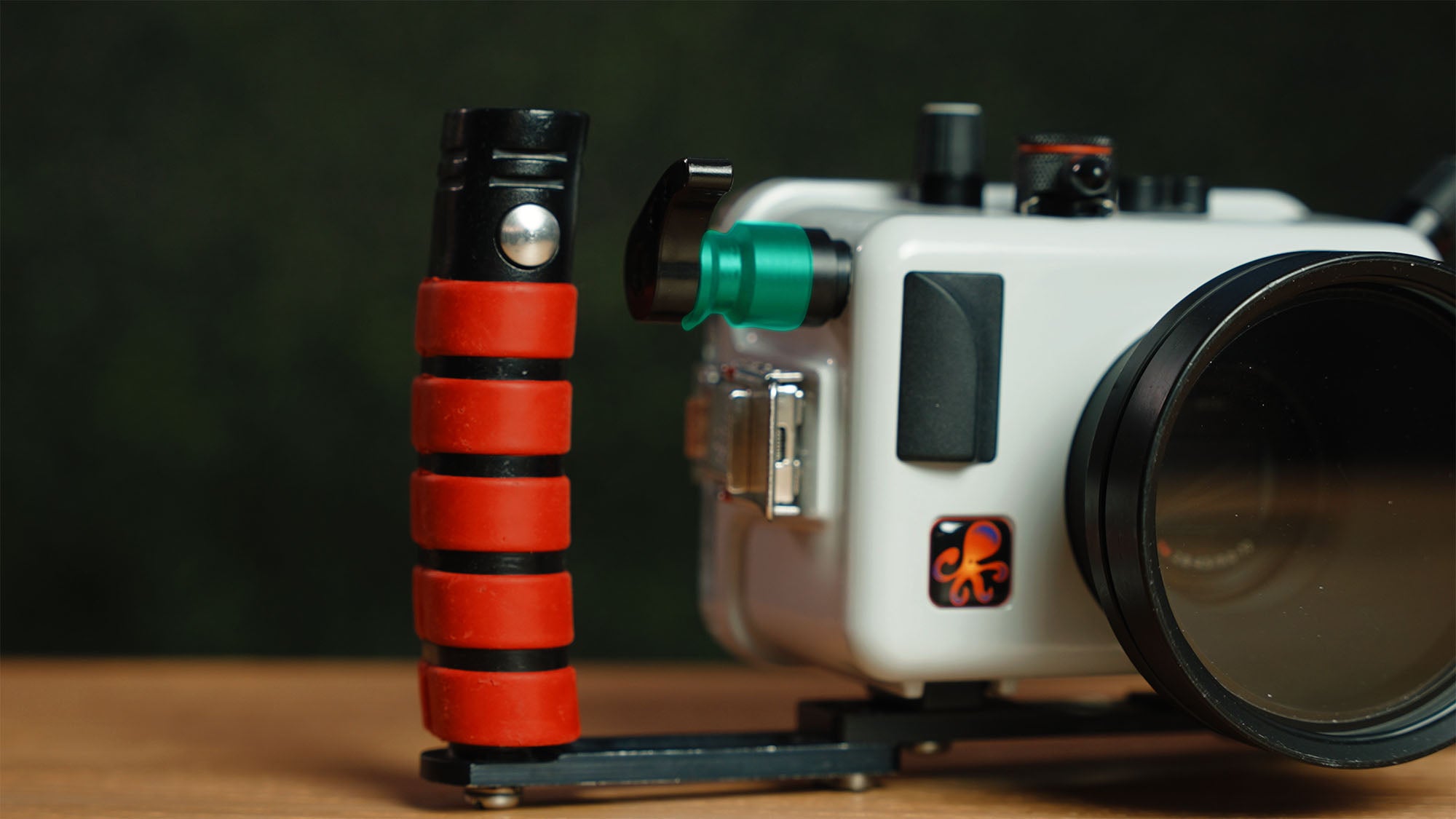
Installing a Trigger Extension
If you're using a tray with dual handles, you'll want to extend your shutter and back button focus levers to be easily reached with your hand on the handle.
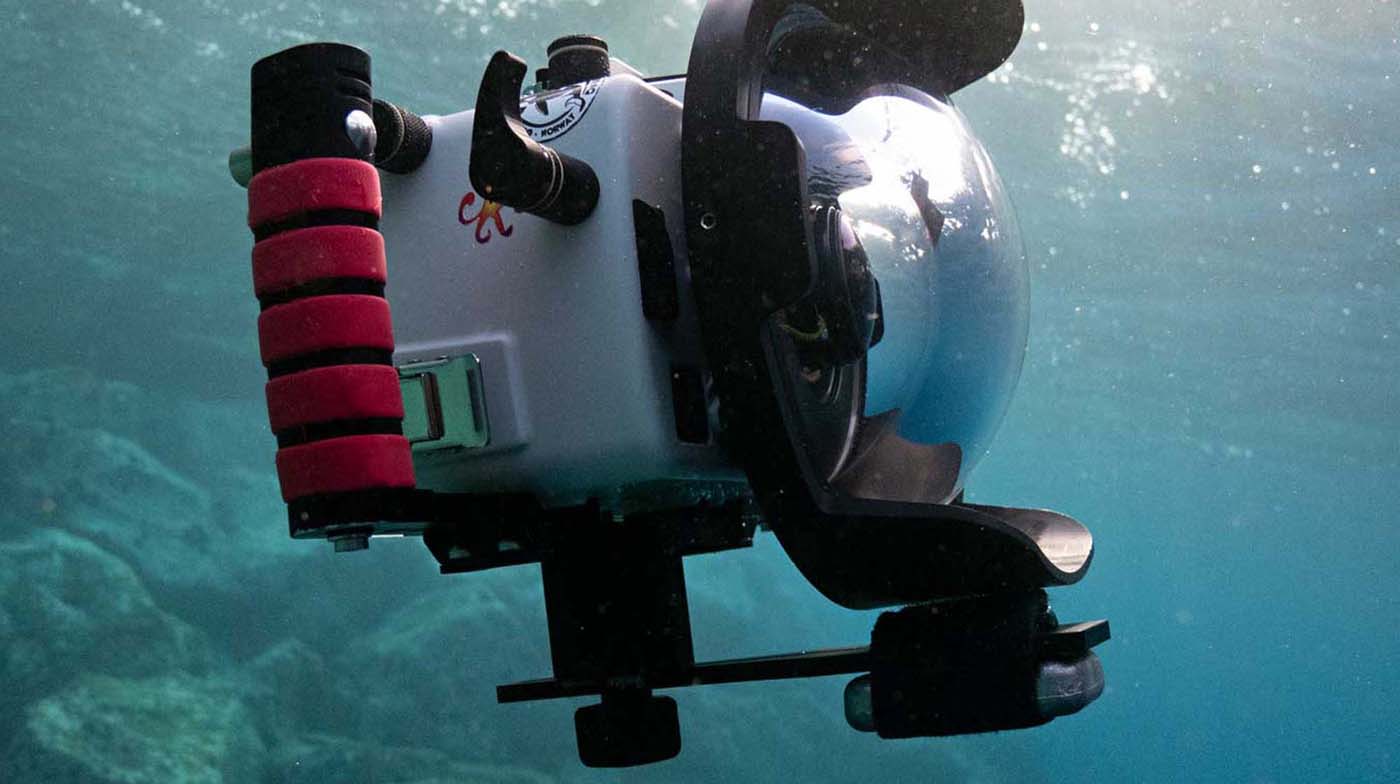
Adding a Trim Weight System for Balance and Stability
Our 8" Diameter Dome is made out of the lightest materials available to reduce travel weight. Use a Trim Weight to balance it out.
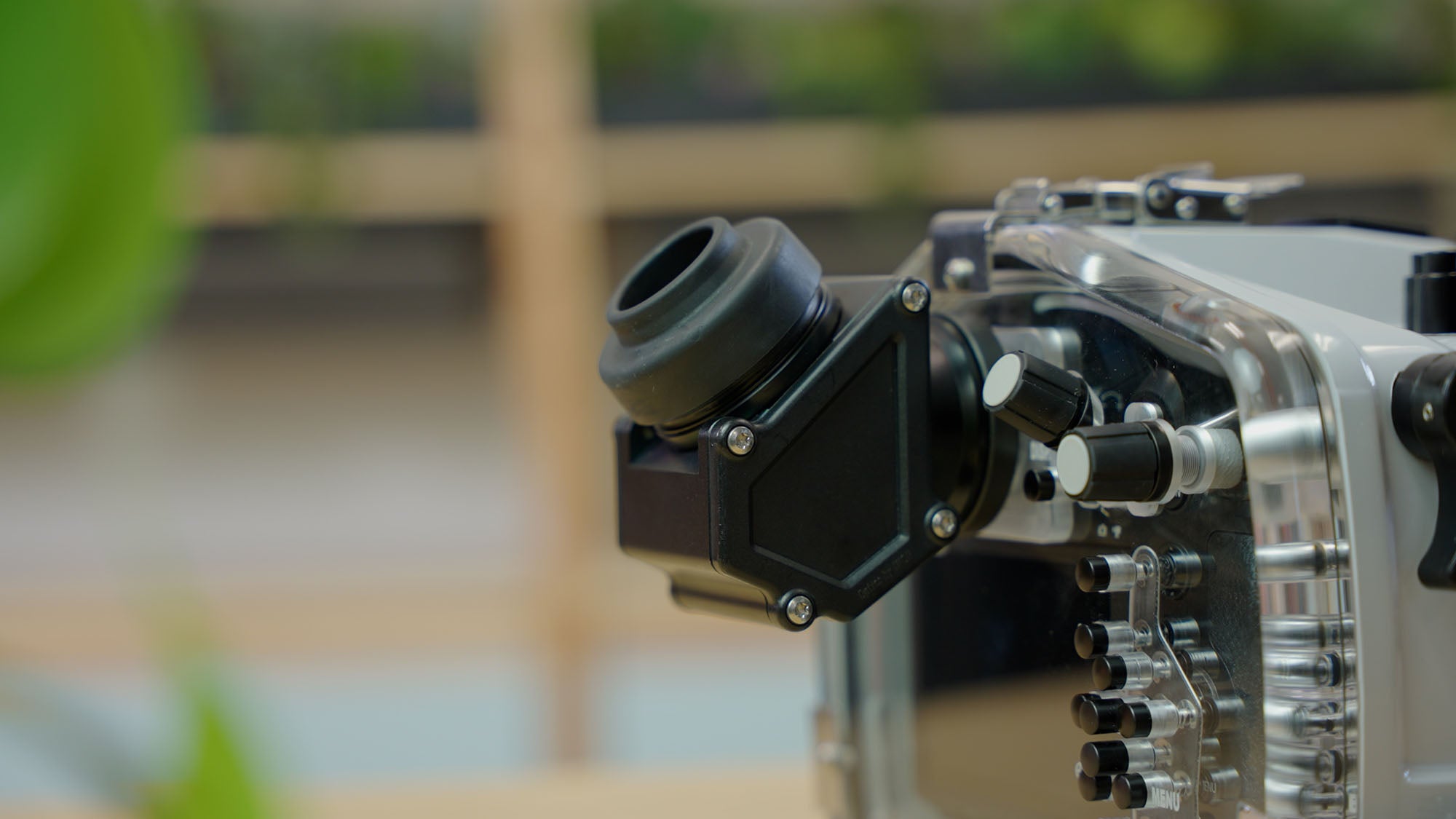
Installing a Magnifying Viewfinder
Get a bigger, brighter view of your camera's optical or electronic viewfinder.
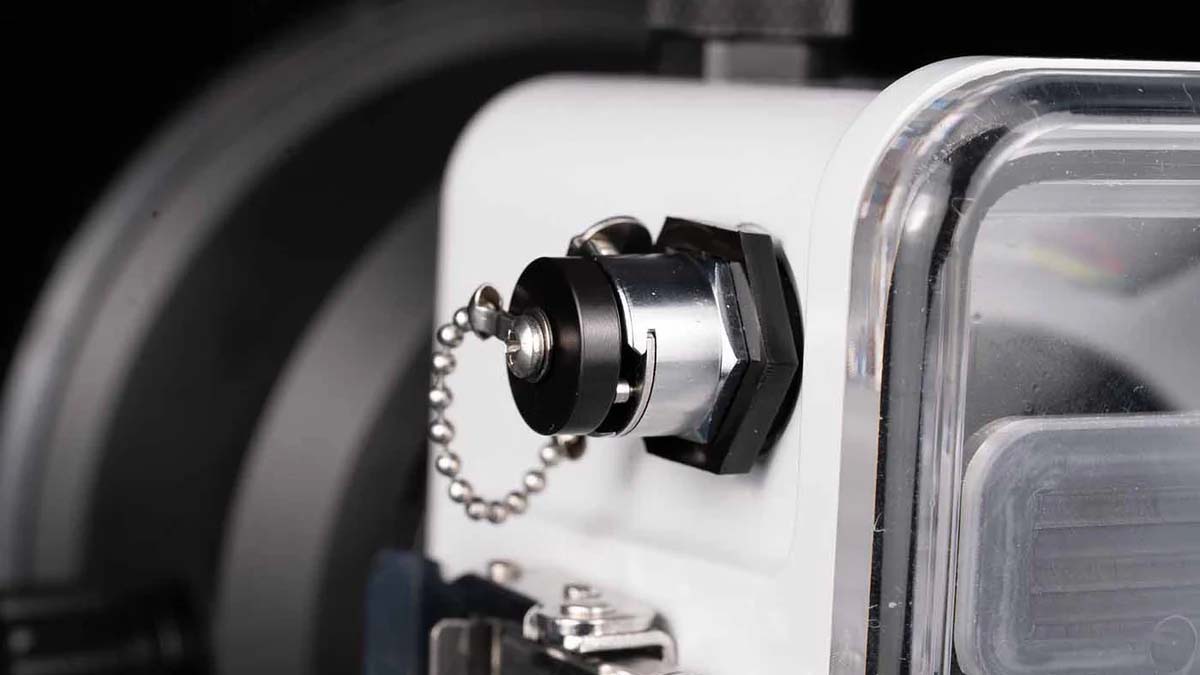
Installing a Vacuum Test Valve in a 1/2" Accessory Port
Install a vacuum test valve on your DLM or compact digital housing.
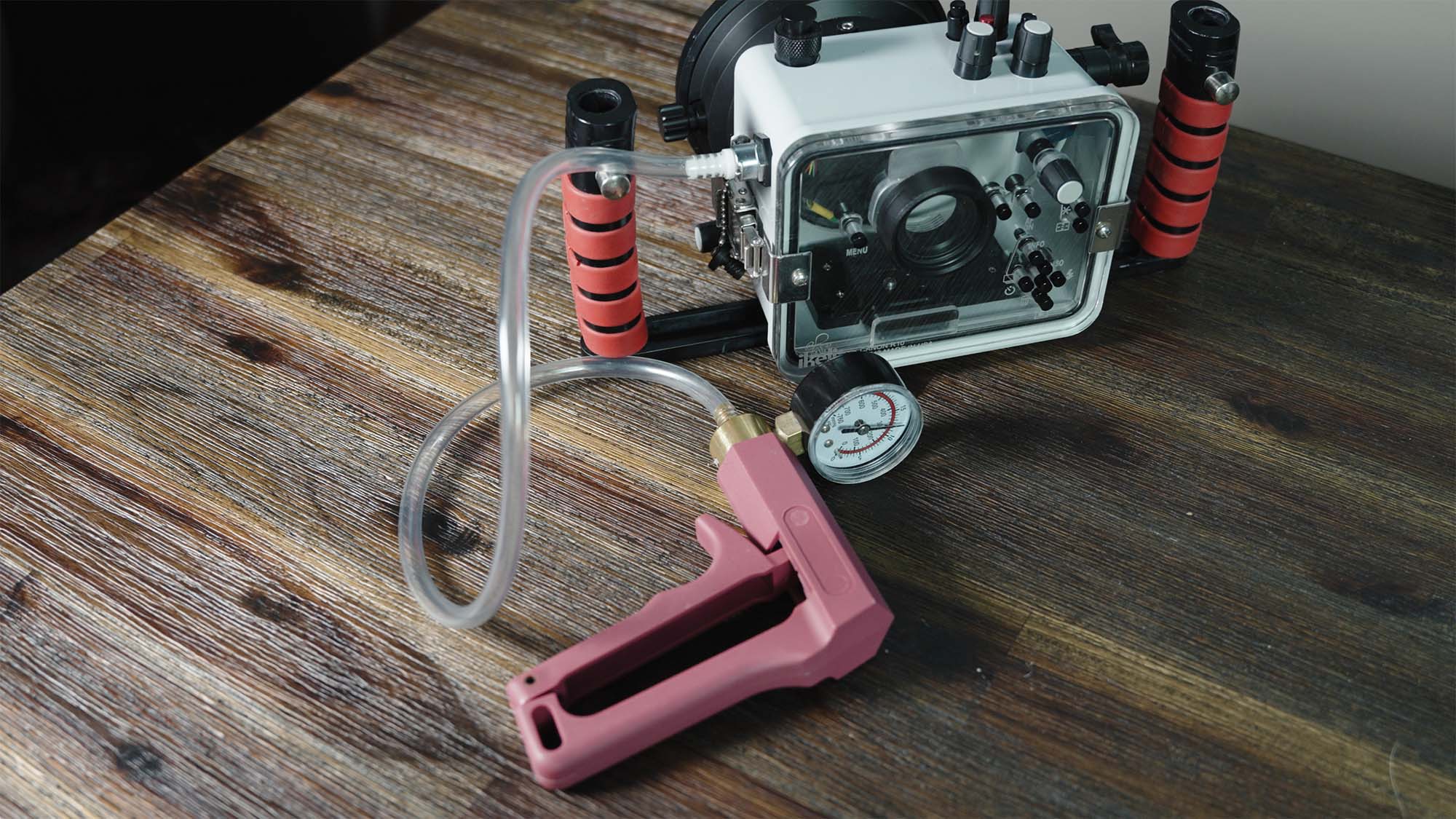
Installing a Vacuum Leak Detection System
A vacuum system allows you to check your housing for leaks BEFORE you get in the water.
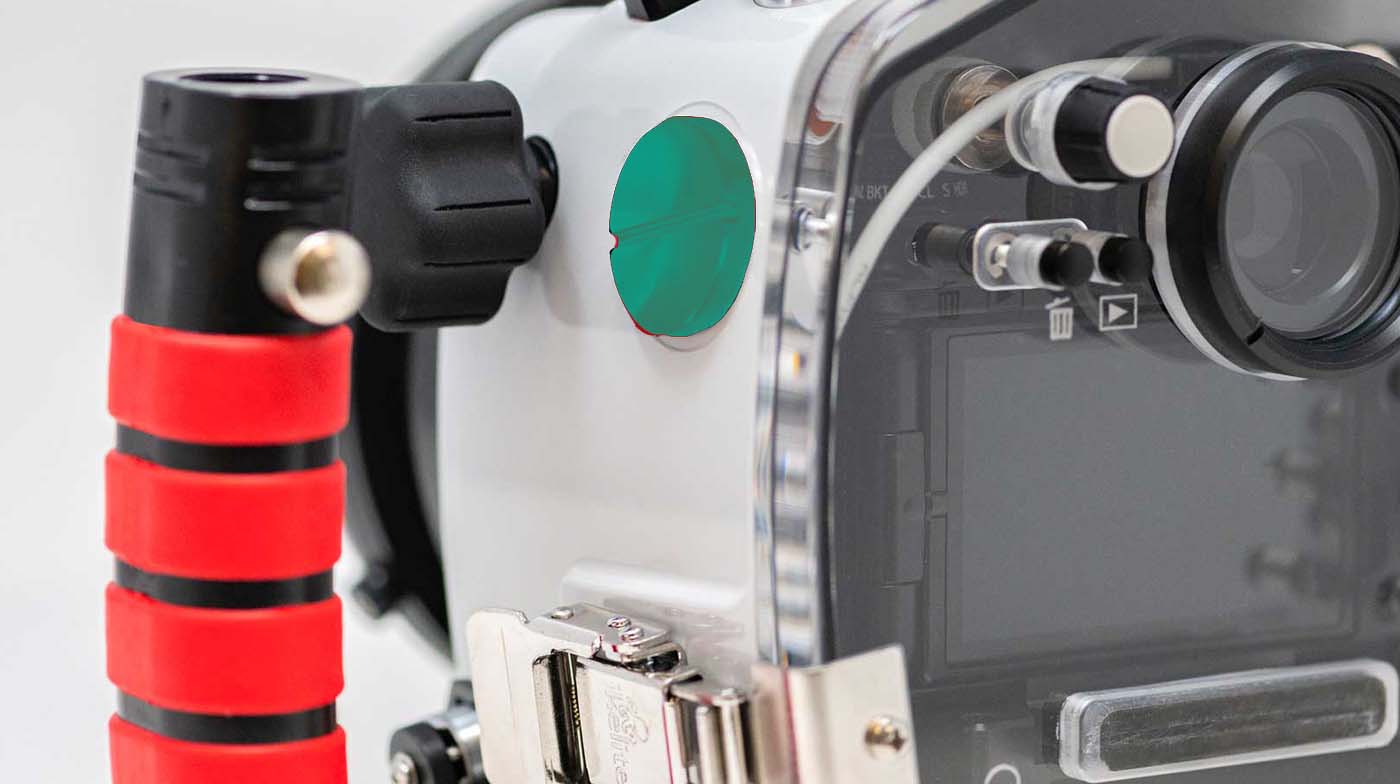
Adding an M24 Port for HDMI 2.0 Monitor Bulkheads
Select housings support the addition of this large-bore port for Nauticam HDMI 2.0 accessories.
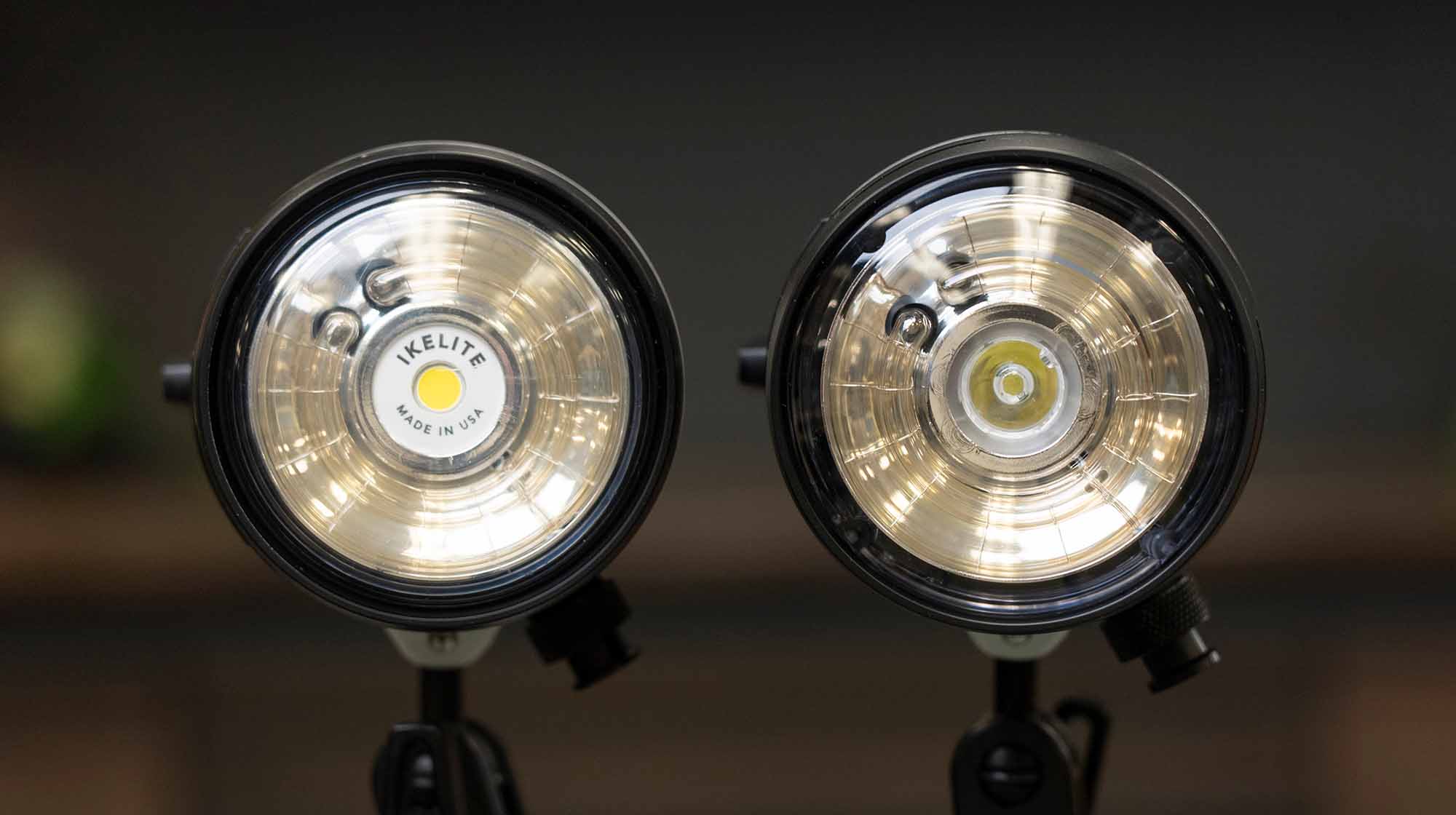
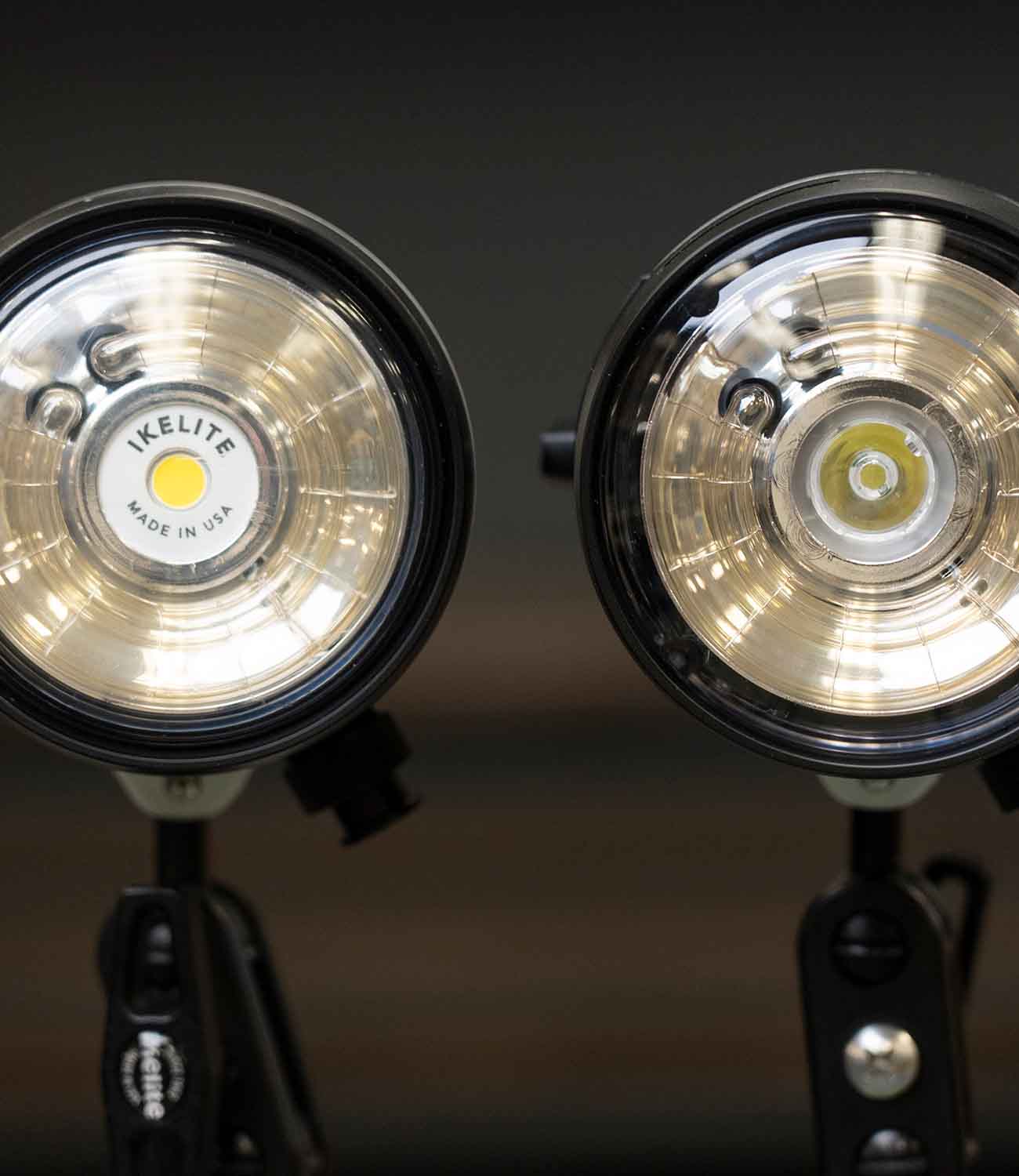
Strobes
Lighting is an important element to your underwater photography. Find out everything you need to know about adding strobes to your system.
Have more questions?
DS50, DS51 Strobes
DS160, DS161 Strobes
DS230, DS232 Strobes
Ecko Strobes
Sync Cords & TTL Operation
Wiring Diagrams and Test Firing Strobes
Common Questions About Strobe Firing, TTL, and Sync Speeds
New Auto-Switching Hotshoe and Bulkhead Updates Starting January 1, 2025
How to Care for Your Sync Cord Plug
Mixing Two Strobes of Different Sizes
Material Change for Bulkheads & Sync Cord Plugs
TTL for Canon Cameras
TTL for OM System, Olympus & Panasonic Cameras
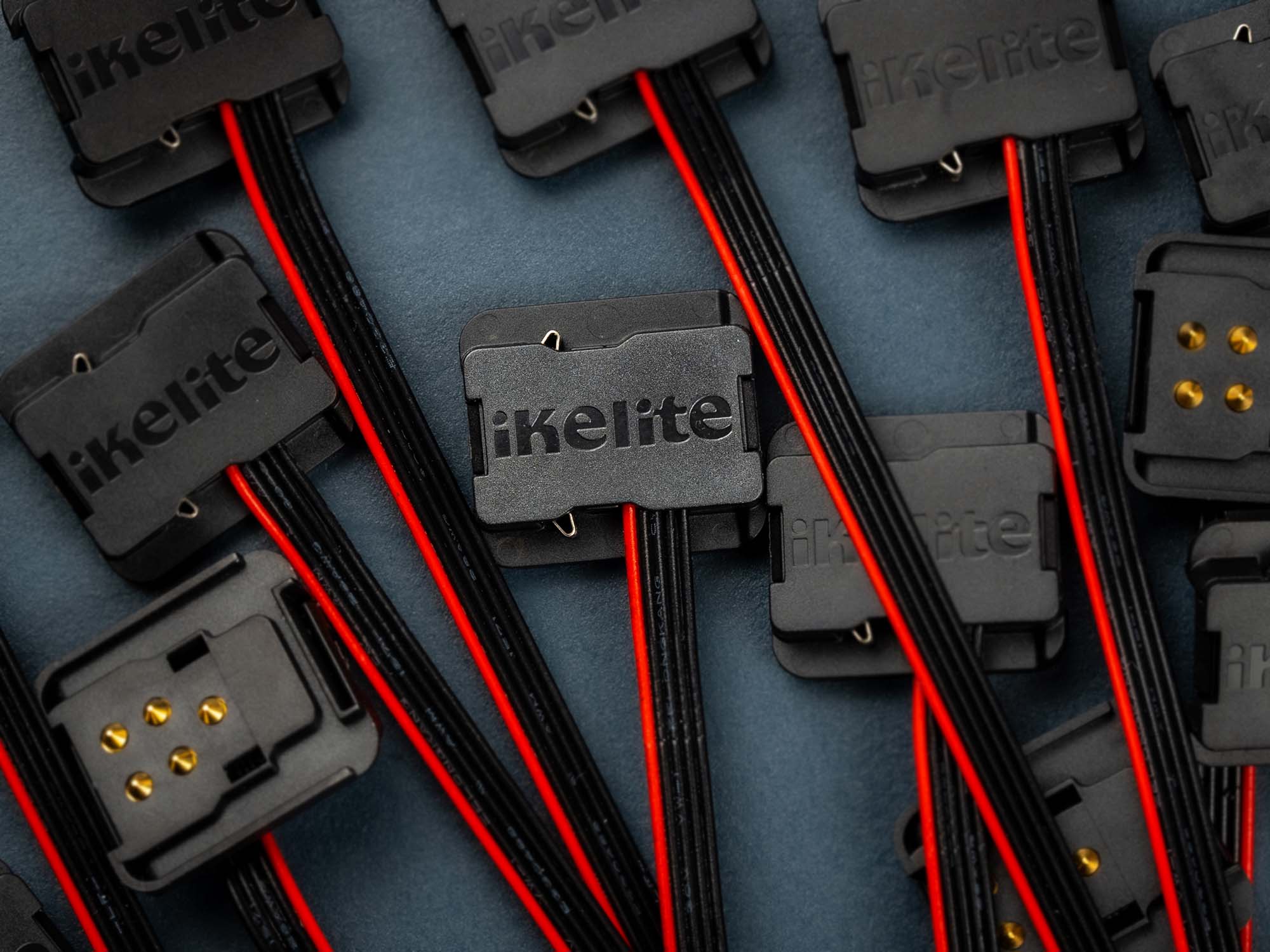
New Auto-Switching Hotshoe and Bulkhead Updates Starting January 1, 2025
Learn about the advantages of the new system and how it affects compatibility with existing housings and strobe accessories.
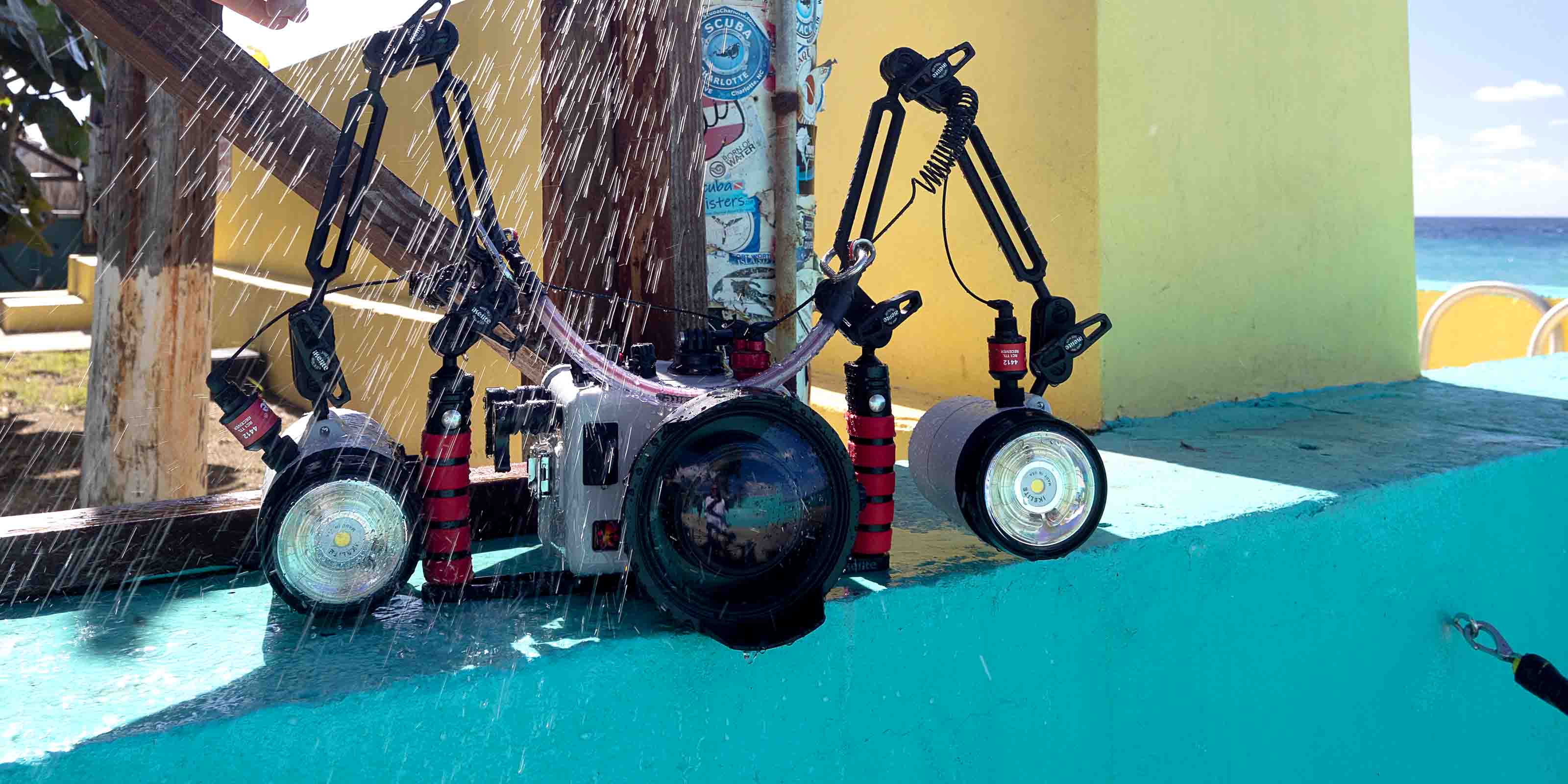
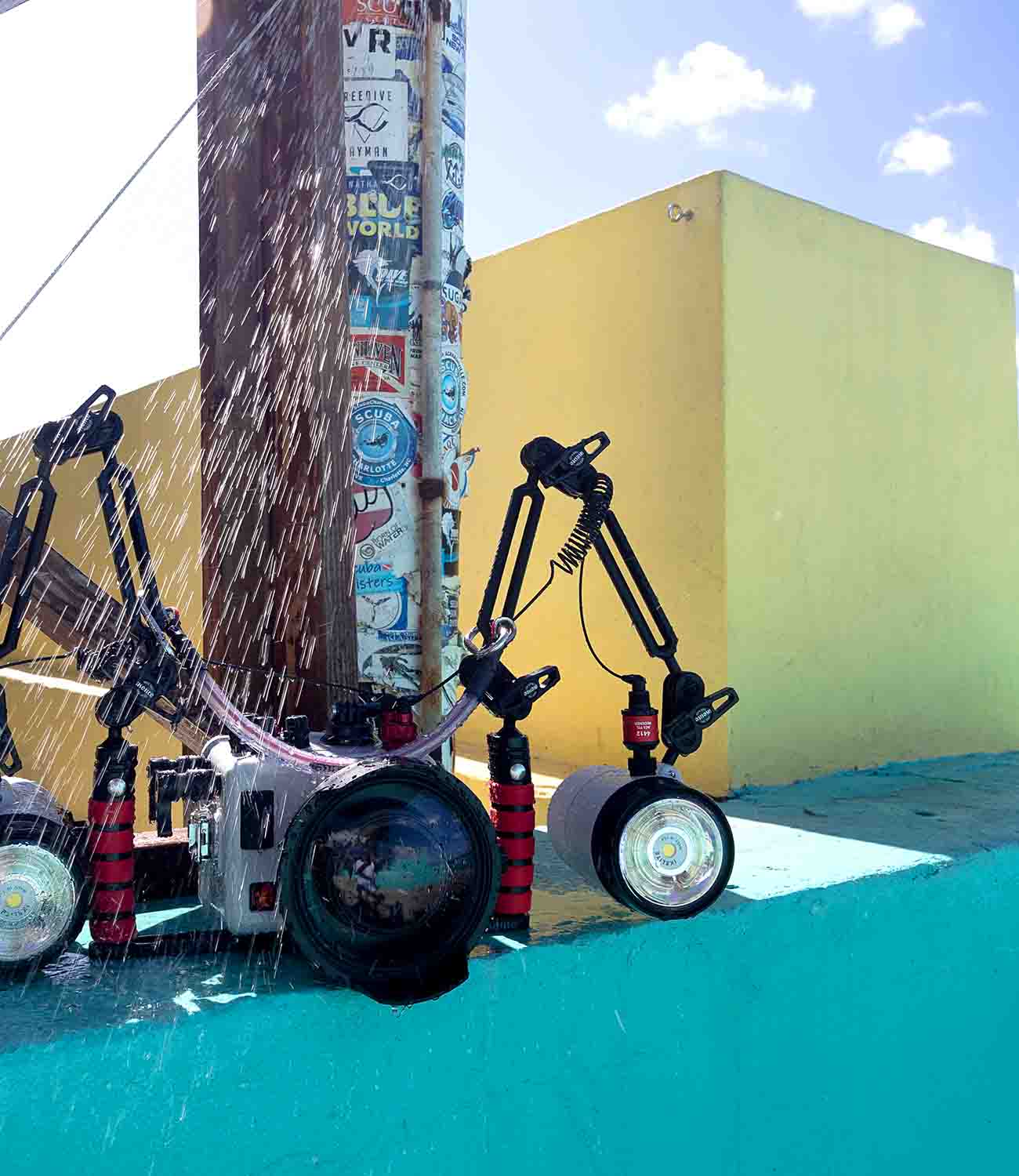
Maintenance
Your Ikelite products are designed to operate in the harshest conditions on Earth. Keep up with a good maintenance regime for many years of trouble-free operation.
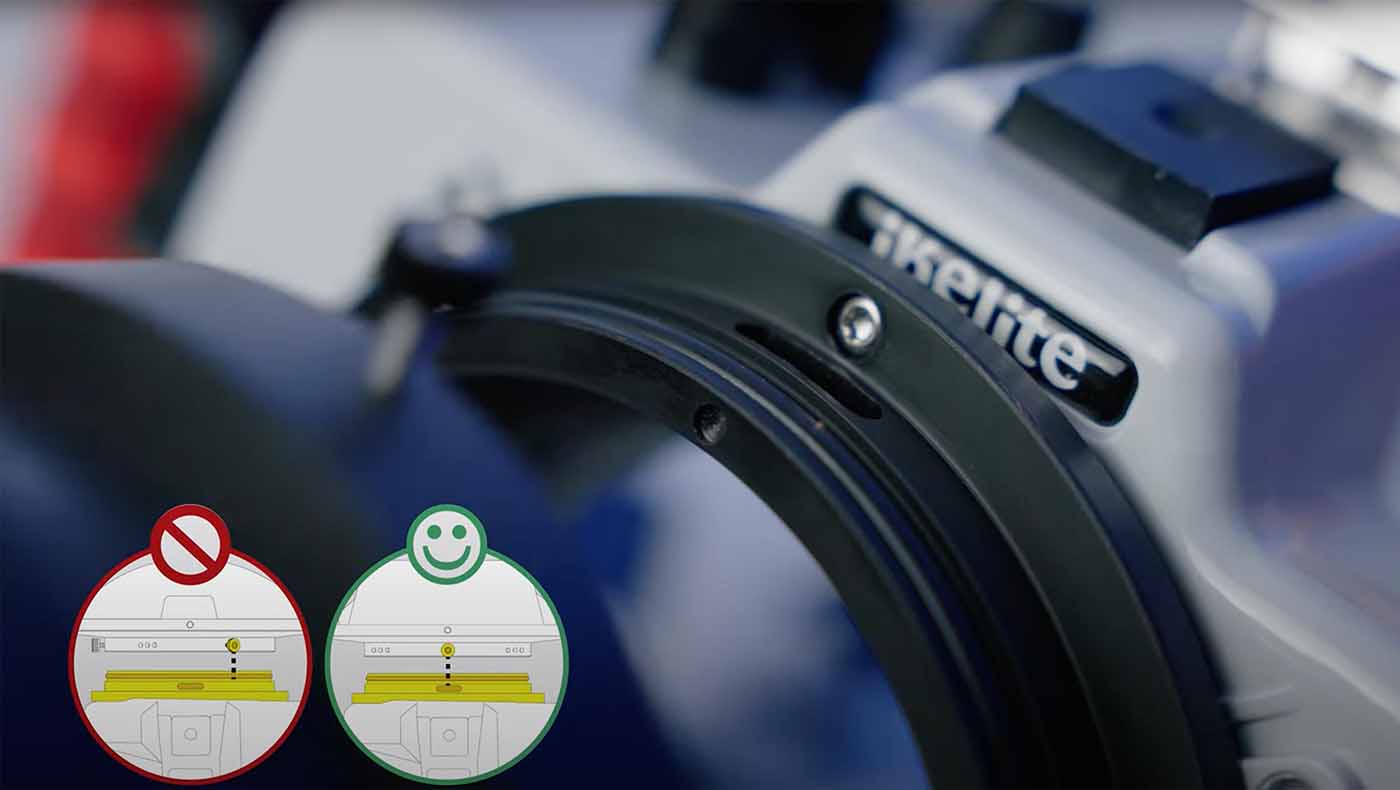
DL Housings DO's and DON'Ts
Avoid these these expensive mistakes when setting up your 50DL or 200DL underwater housing.
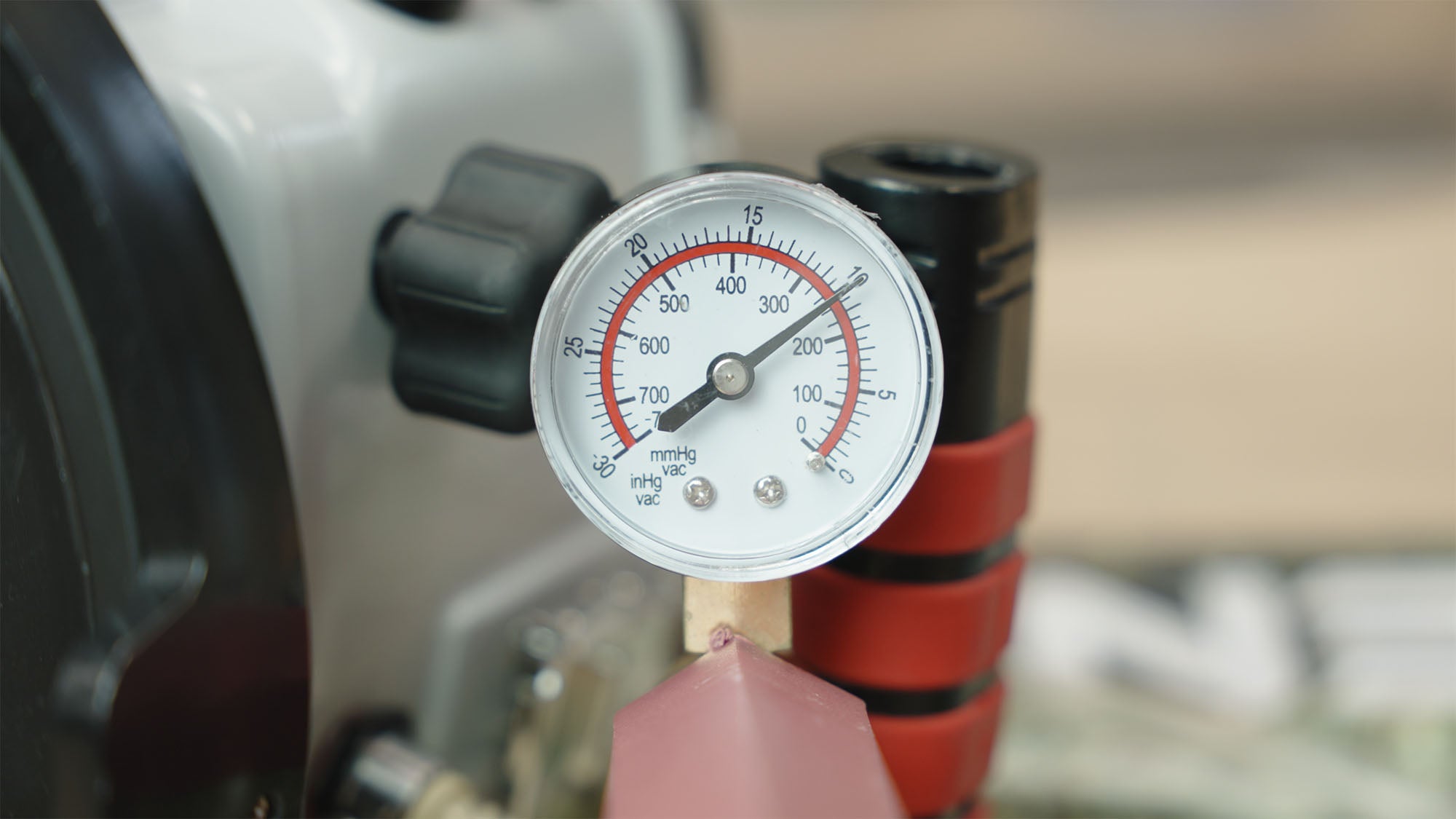
Using a Vacuum Leak Detection System
Why wait until you get in the water to look for a leak? Use a vacuum system to check your housing.
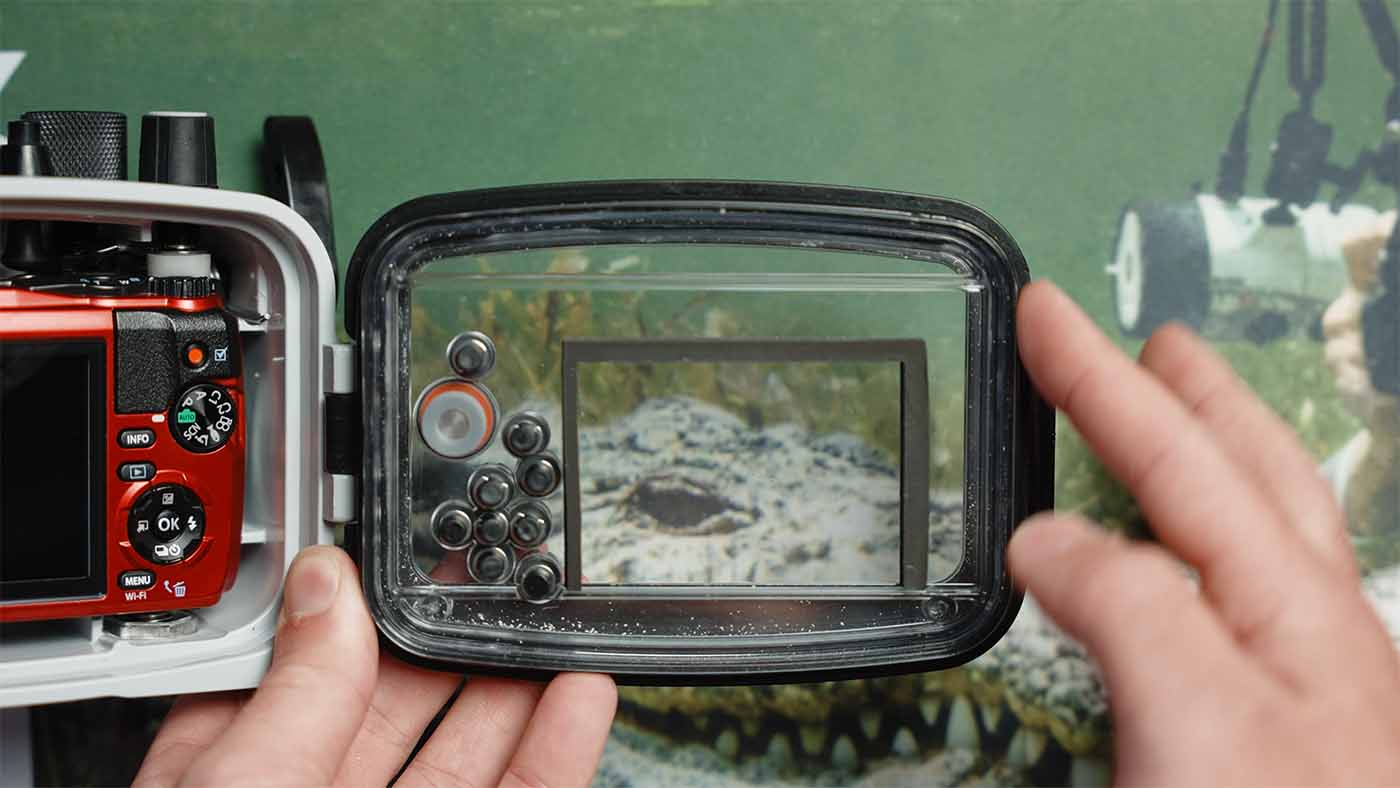
Lubricating an ULTRAcompact Housing O-Ring
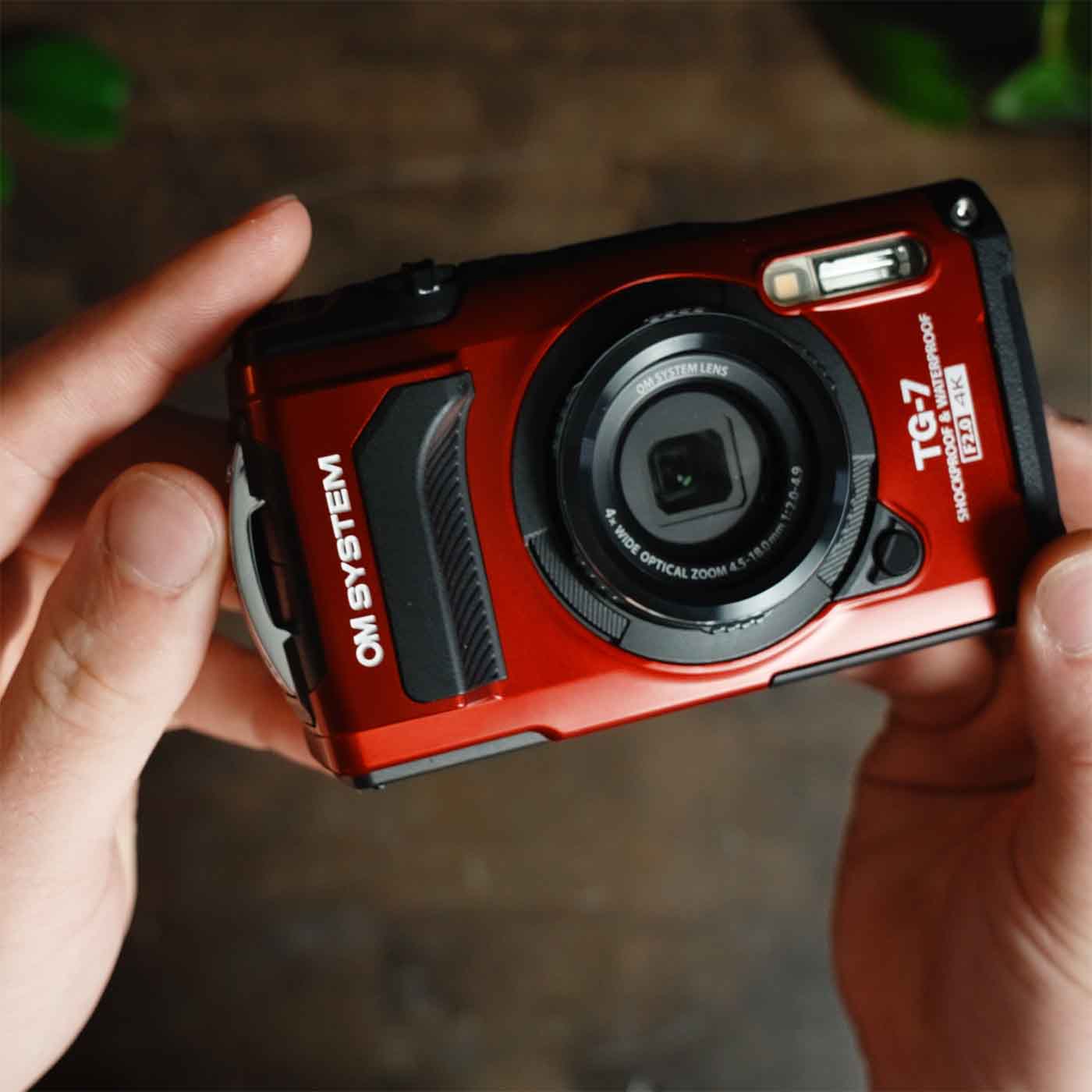
Have a TG-series camera or other compact digital still? If your housing has a hinged back door, this is the video for you.
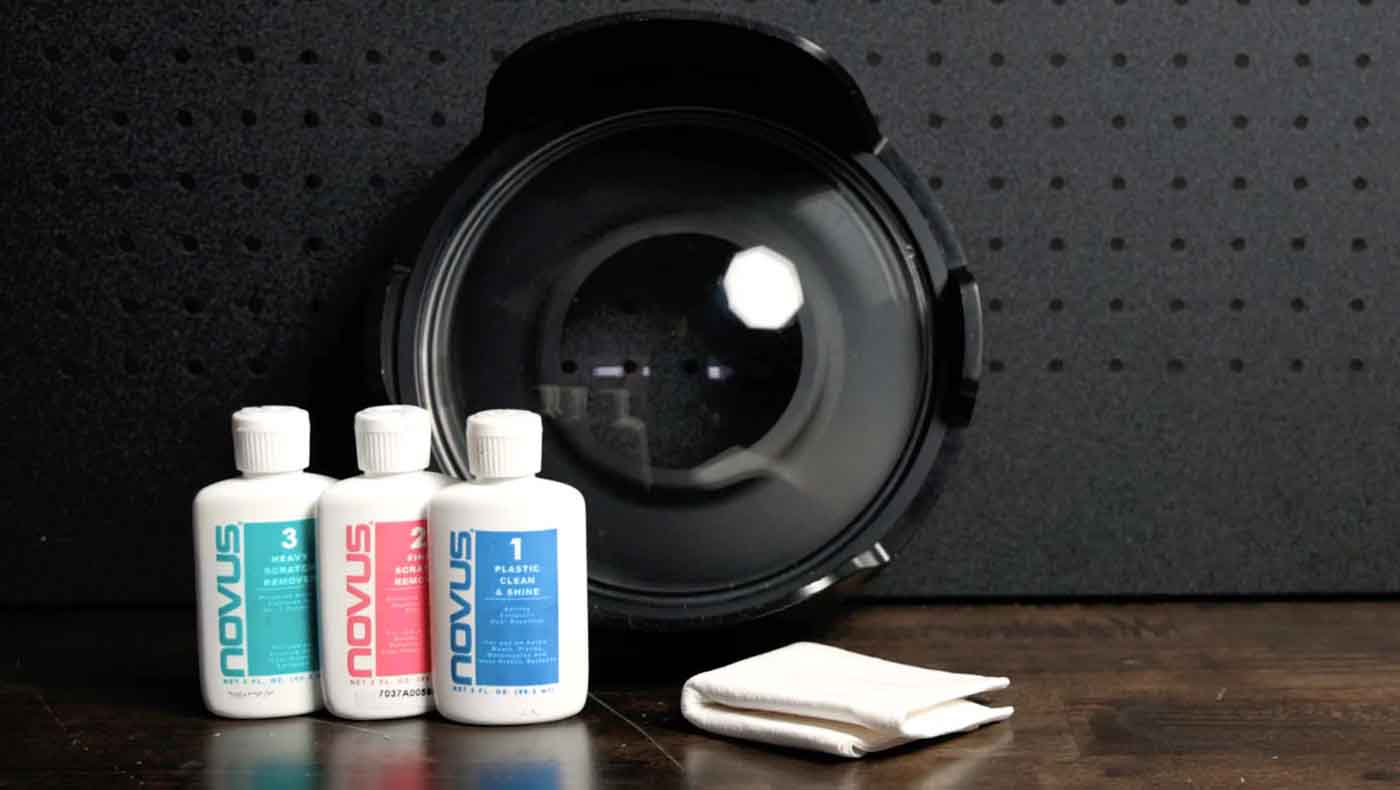
Removing Scratches from a Dome Port
With a careful hand you can use NOVUS polish to remove light scratches from your acrylic dome.
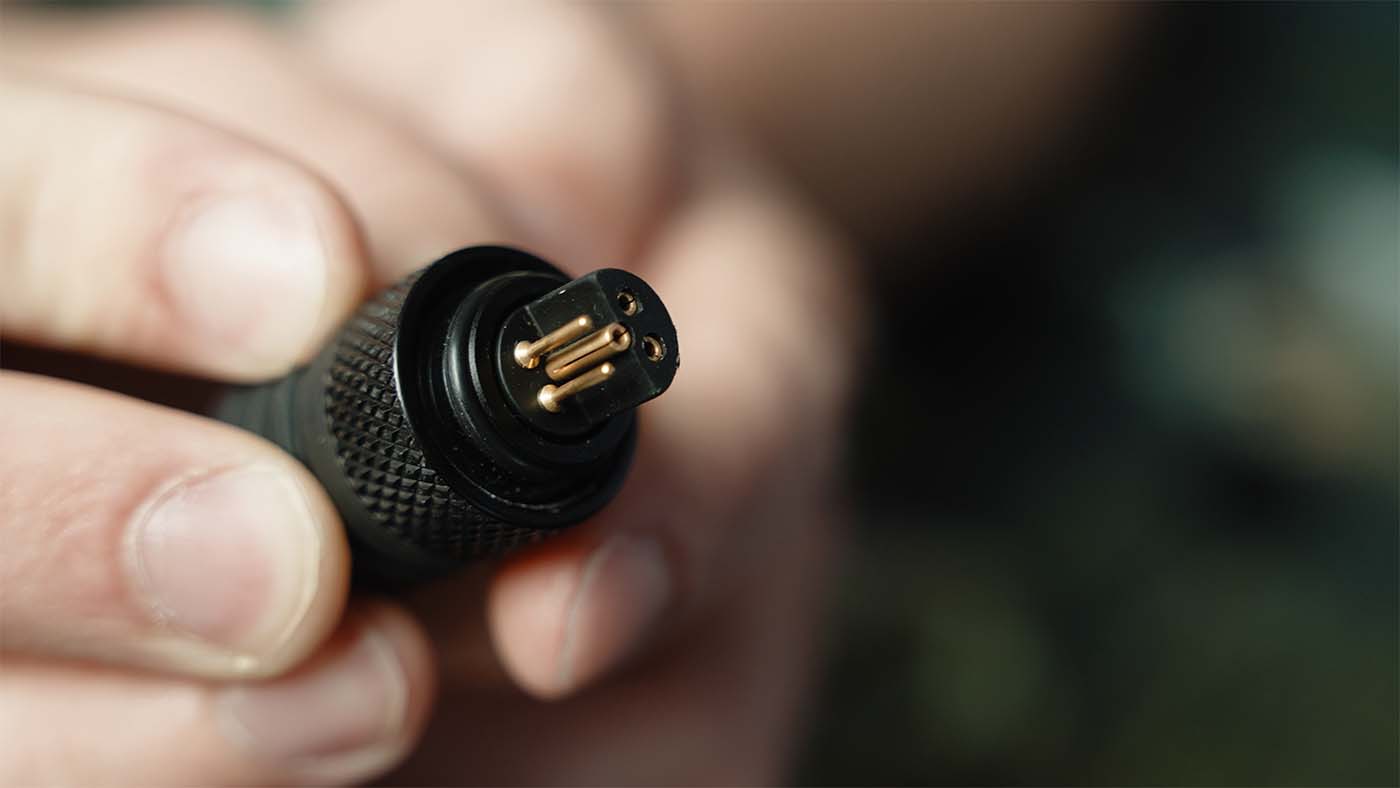
Maintaining Sync Cord Plug O-Rings
Electrical sync cords can provide more reliable strobe triggering than fiber optic when maintained properly.
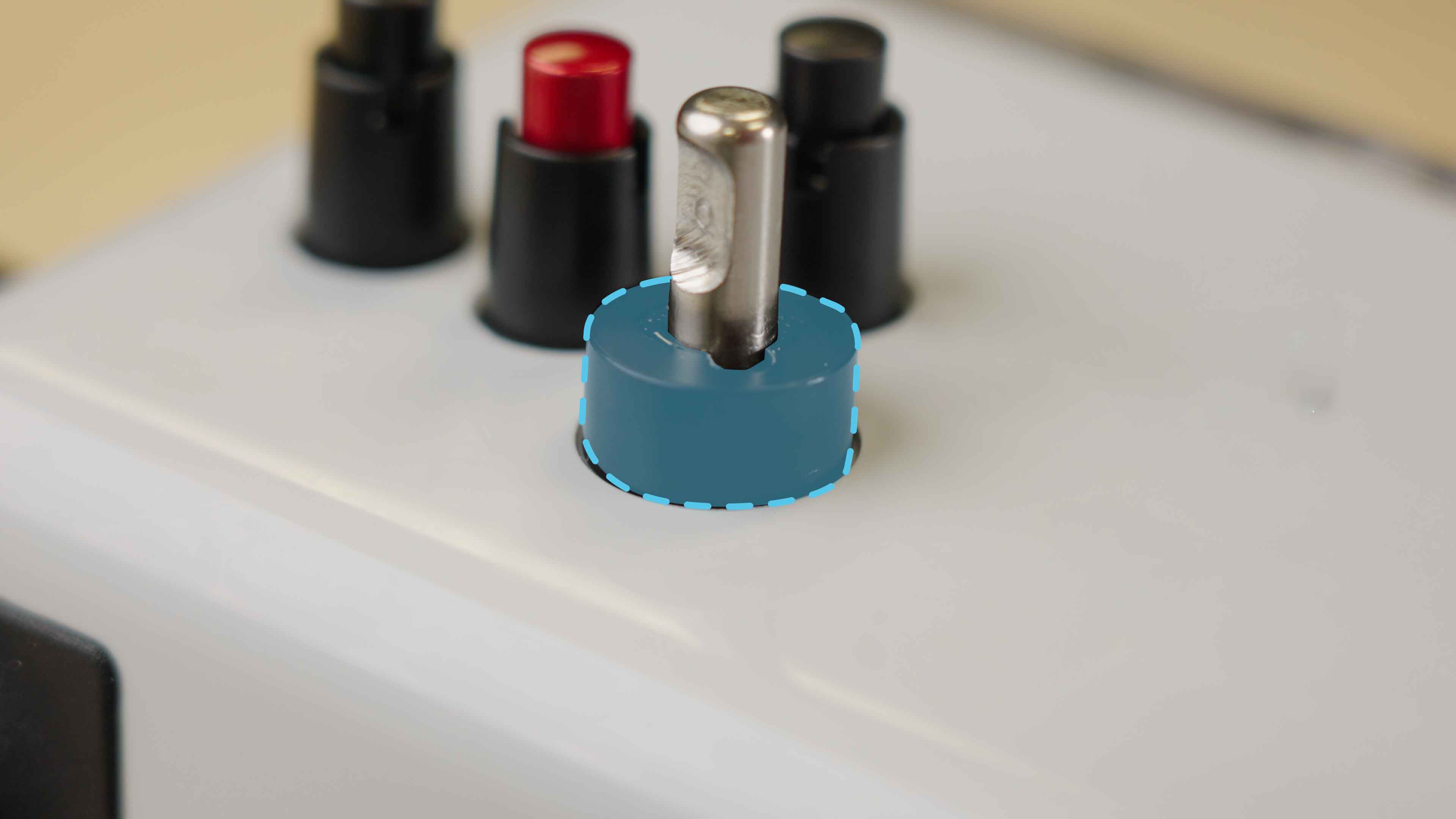
Replacing Control Gland Seals
Most users return their housing for annual service. If you need an emergency field fix, here's how to do it.
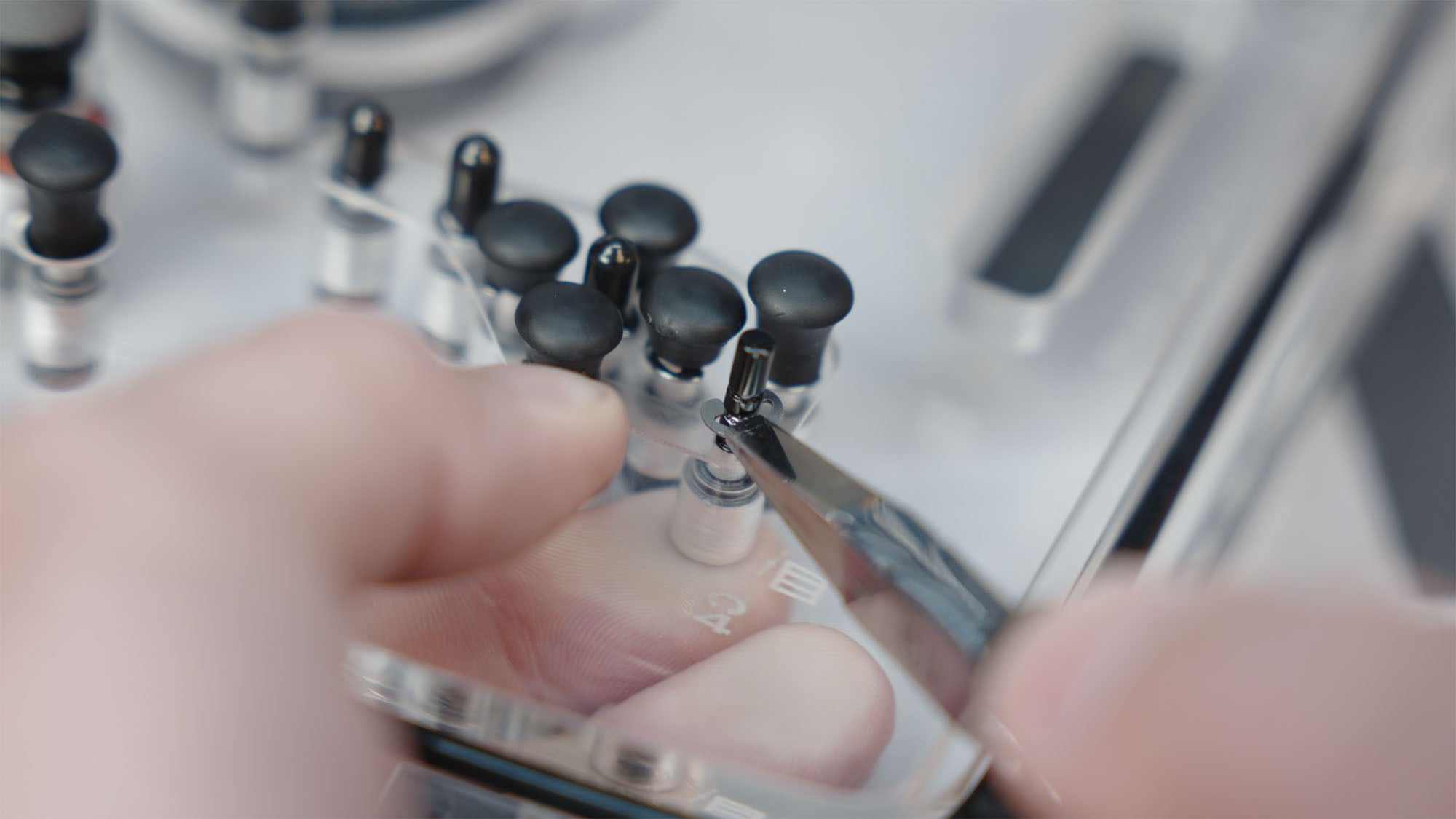
Replacing Push Button O-Rings
If your push buttons are getting sticky, it's best to send the housing to us. Or DIY-types can use or push button o-ring kit.
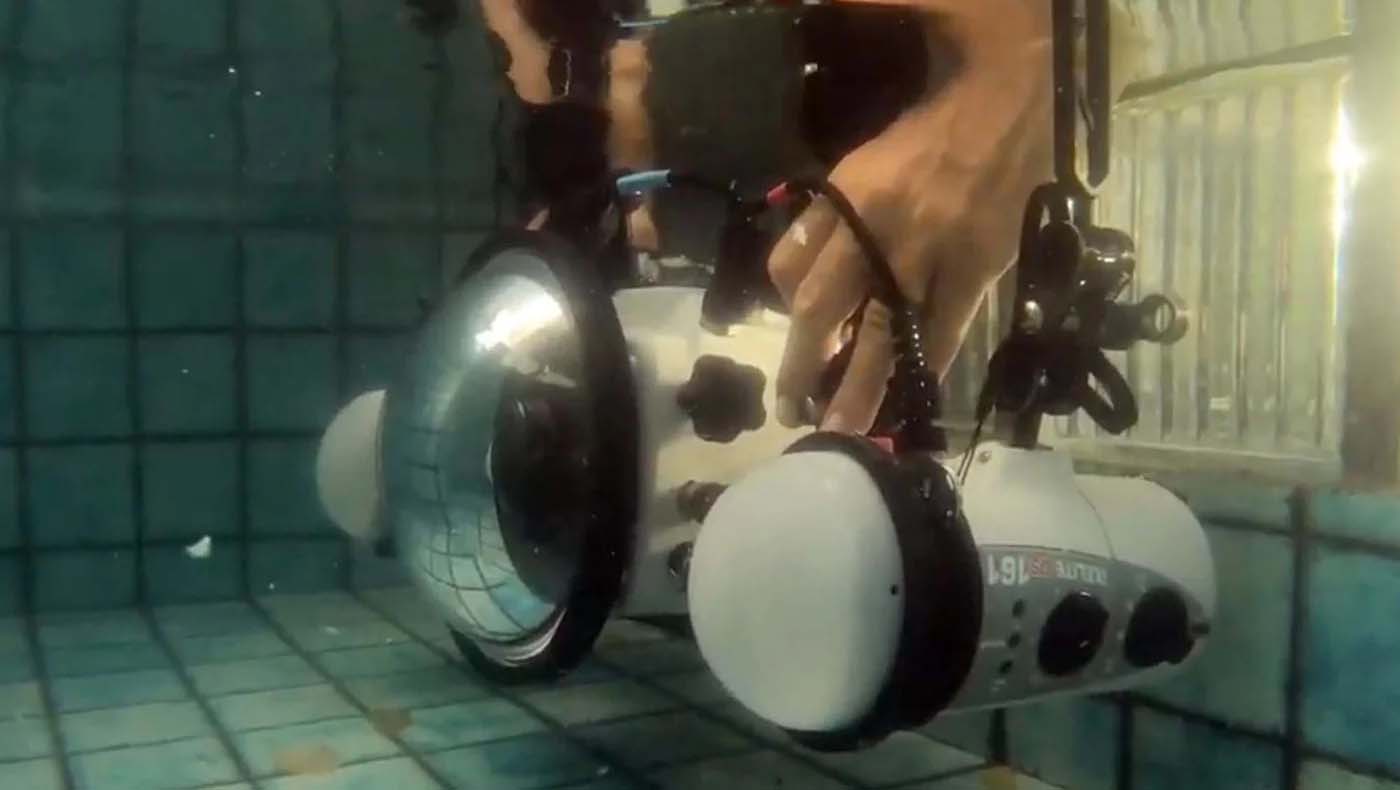
David Fleetham's DL Housing Assembly Tips
The most published underwater photographer of all time shows you how he keeps his housing in tip top shape.
![Locking Assembly Replacement for an ULTRAcompact Housing [VIDEO]](http://www.ikelite.com/cdn/shop/articles/locking-assembly-ultracompact-blog-cover_c6cb9066-396c-4365-ad50-88a65a76f94f.jpg?v=1780661232&width=2000)
Locking Assembly Replacement for an ULTRAcompact Housing [VIDEO]
The locking mechanism on our ULTRAcompact series housings has been long trusted for its durability. In the rare instance that the locking assembly is broken, switching it out is an easy process. Te...
![YOUR QUESTIONS: Finding a Port, Packing Your Gear & More!! [VIDEO]](http://www.ikelite.com/cdn/shop/articles/ikelite-socials-faq-video-blog-cover_2ca7e9c5-e948-4323-8f50-f8b161ab69ab.jpg?v=1778850965&width=2000)
YOUR QUESTIONS: Finding a Port, Packing Your Gear & More!! [VIDEO]
As our Director of Social Media, Denise Pietsch gets a lot of questions over DM from Ikelite users and people looking for their next underwater camera system. Today she runs through some of the top...
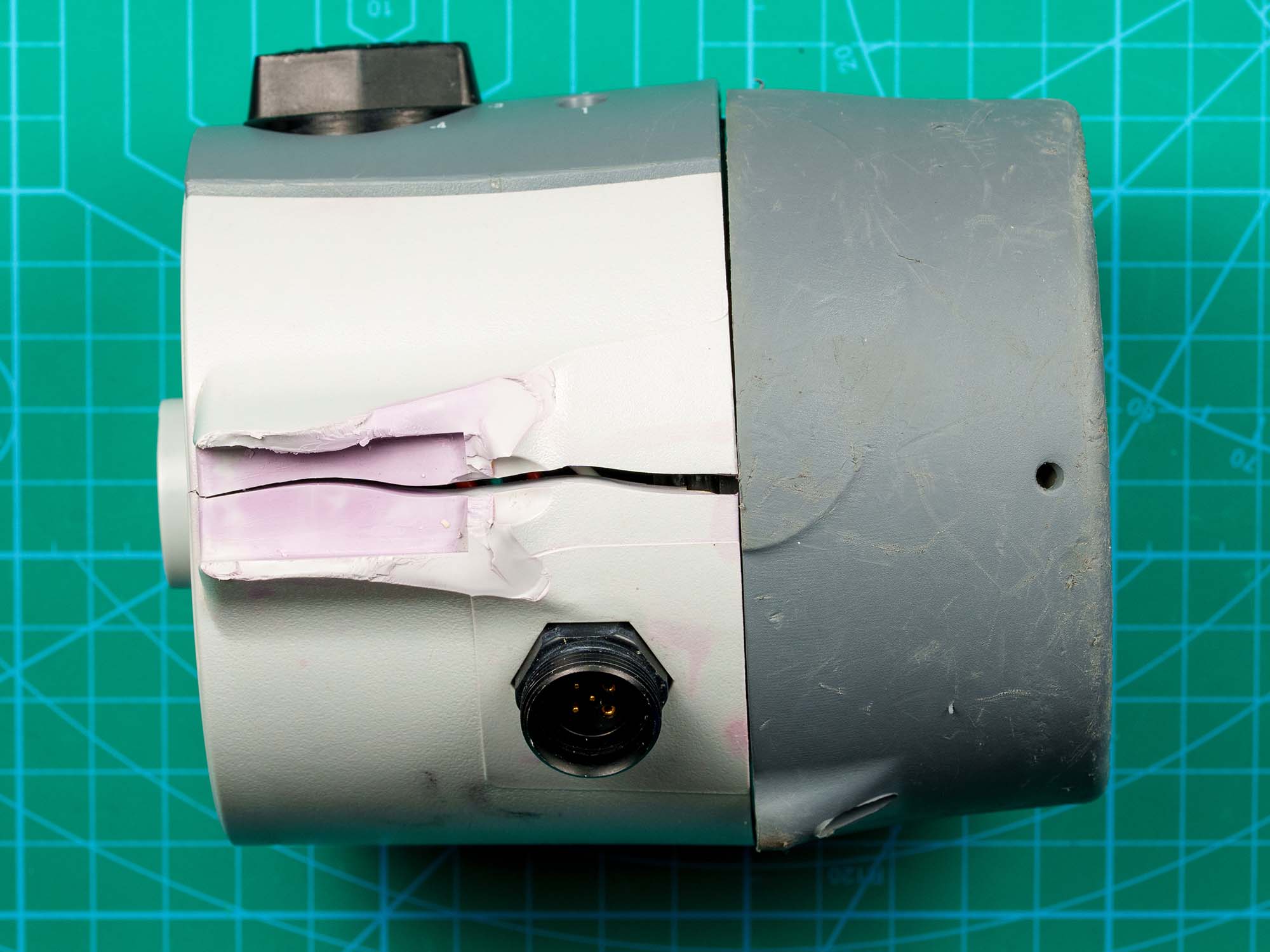
WARNING !! Never Use Loc-Tite on your Strobe Ball Mount
Loc-Tite® threadlocker can be a miracle product for preventing screws from backing out. However, it can wreak havoc on your ABS-PC underwater strobe body.
![Canon RF 7-14mm Fisheye Setting It Up // Ikelite Underwater Housing [VIDEO]](http://www.ikelite.com/cdn/shop/articles/Set_Up_Canon_RF_7-14mm_Fisheye_Blog_Cover_838c961f-0ed3-4e78-aafa-b906cf5db8f4.jpg?v=1776430264&width=2000)
Canon RF 7-14mm Fisheye Setting it Up // Zoom Gear Installation [VIDEO]
Canon has unleashed "the world’s widest fisheye zoom lens to date" and first native mirrorless fisheye zoom from a major manufacturer. John Brigham shows how easy it is to install the RF 7-14mm in ...
Nikon NIKKOR Z 24-70mm f/2.8 II S // Setting It Up 200DL Underwater Housing [VIDEO]
The Nikon NIKKOR Z 24-70mm f/2.8 II S paired with the Ikelite 200DL Underwater housing takes the topside workhouse zoom, underwater. John Brigham shows you how easy it is to install this lens in yo...
![Installing the Sun Shade LCD Hood for Nikon ZR // 200DL Underwater Housing [VIDEO]](http://www.ikelite.com/cdn/shop/articles/nikon-zr-sun-hood-video-blog-cover_6b76d05d-5716-43c6-a0ba-1df0957e5947.jpg?v=1774453747&width=2000)
Installing the Sun Shade LCD Hood for Nikon ZR // 200DL Underwater Housing [VIDEO]
Ensure you always have a clear view of your Nikon ZR's LCD underwater with the Ikelite Sun Hood. Installation is quick, easy, and can be removed and reinstalled underwater.
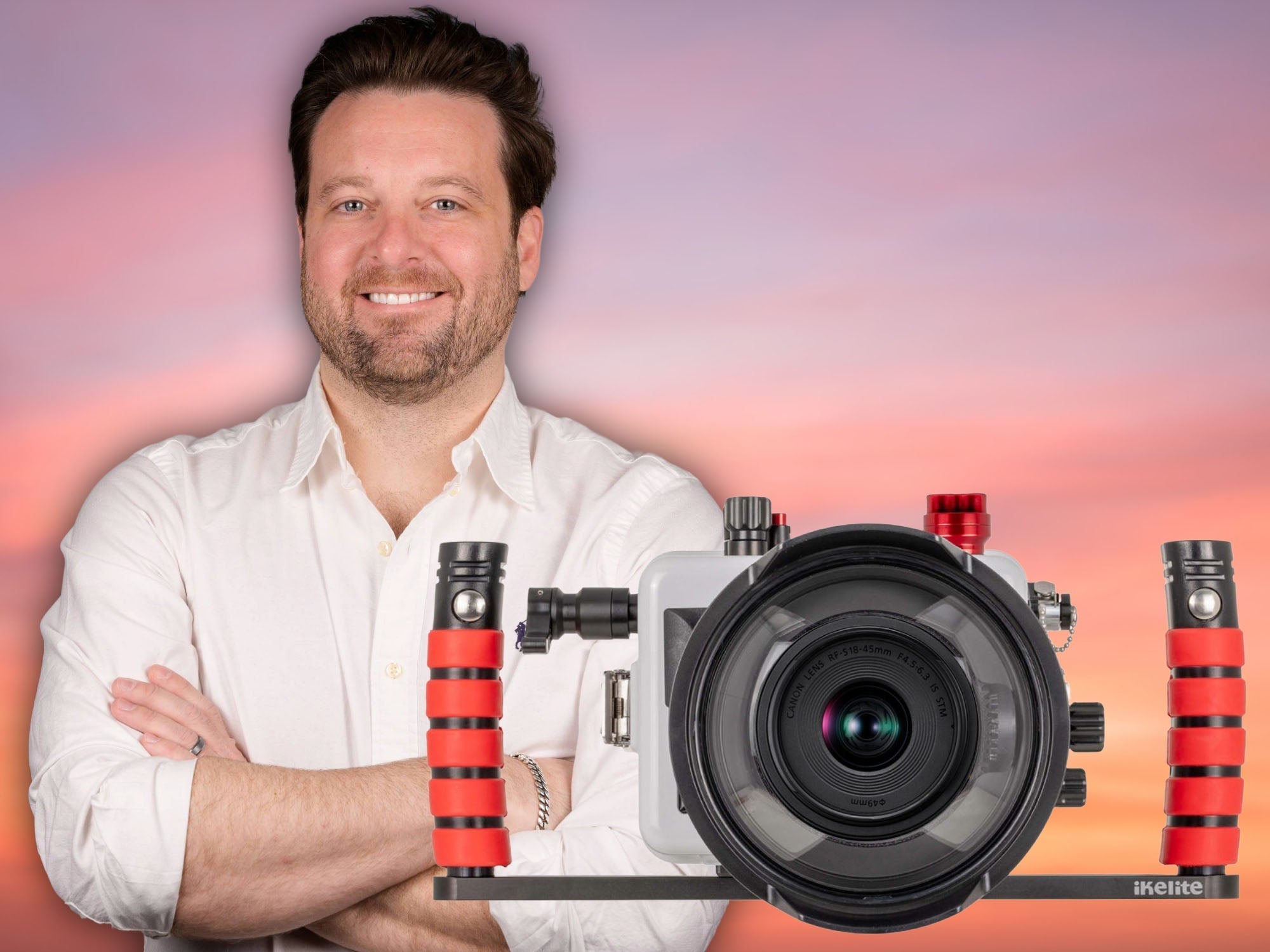
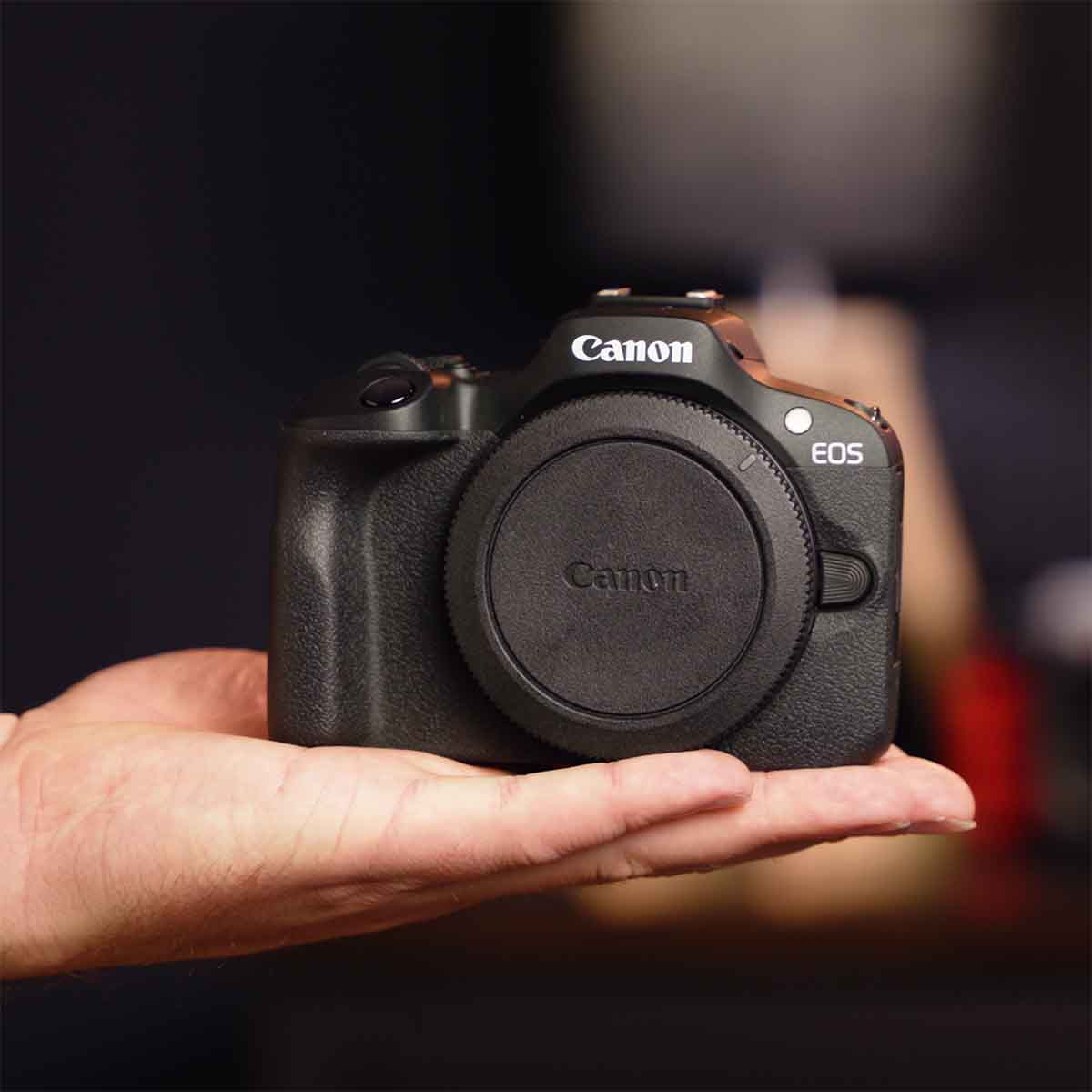
Canon R100 with 18-45mm Setting it up // 200DLM/D Underwater Housing [VIDEO]
The Canon R100 checks a lot of boxes: small, effective, and extremely easy to use. John Brigham walks through how to assemble the Canon R100 inside a 200DLM/D underwater housing with the new integr...
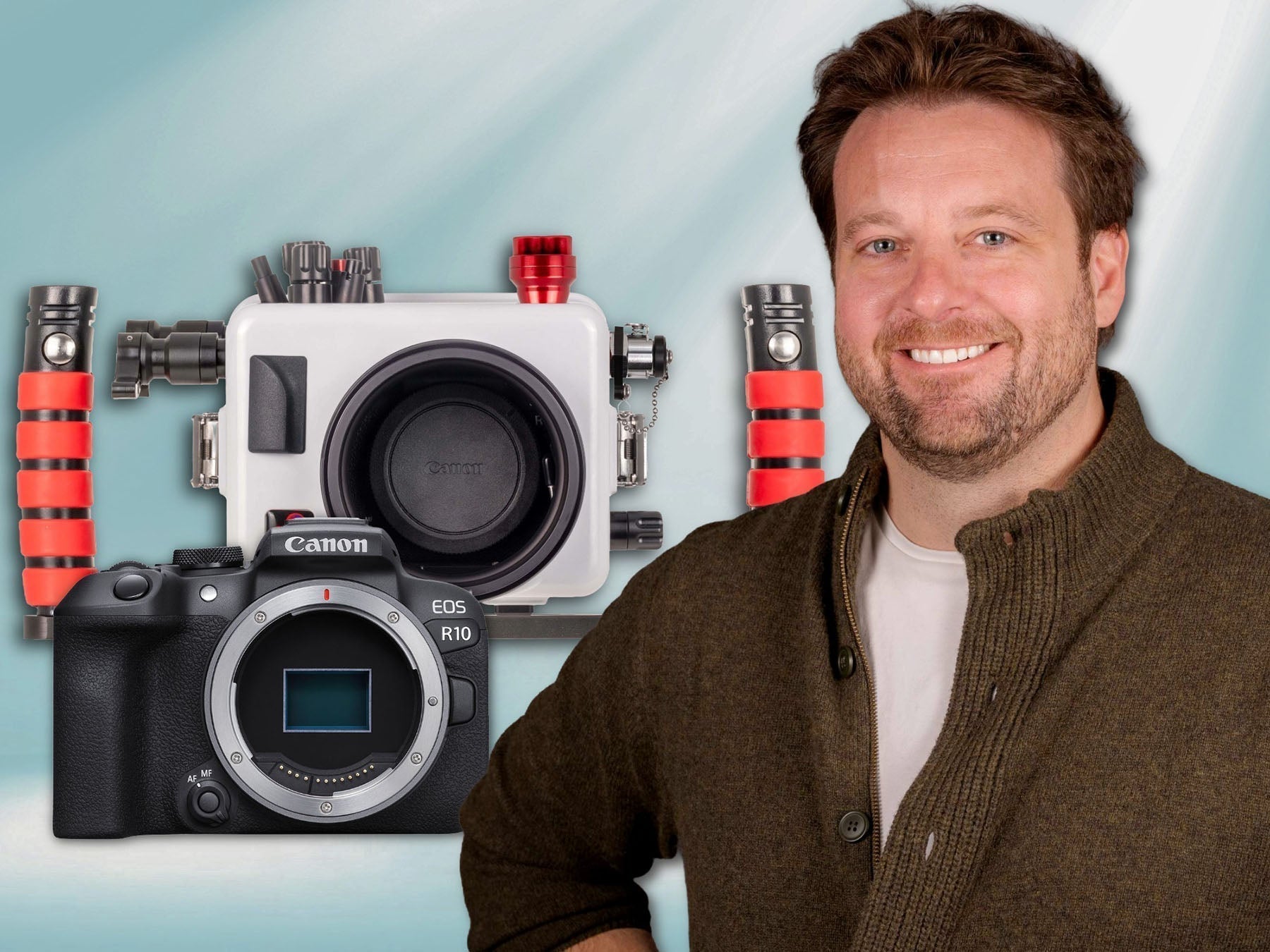
Canon R10 with 18-150mm Setting It Up // 200DLM/D Fiber Optic Underwater Housing [VIDEO]
The Canon R10 with the 18-150mm lens is one of the best and most versatile compact system cameras you can shoot underwater today, and we're extremely excited to be offering it with a new integrated...